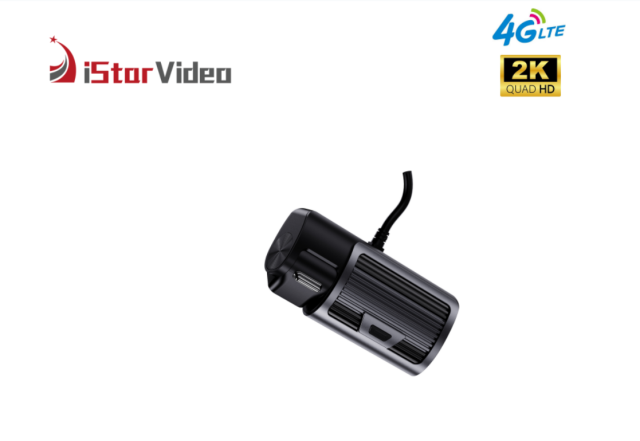
• iSV-D6 4G+2K 2CH Car DVR Camera with Screen, GPS Tracking Alarm Function
  • iSV-D6 4G+2K 2CH Car DVR Camera with Screen, GPS Tracking Alarm Function
  • iSV-D6 4G+2K 2CH Car DVR Camera with Screen, GPS Tracking Alarm Function
  • iSV-D6 4G+2K 2CH Car DVR Camera with Screen, GPS Tracking Alarm Function
  • iSV-D6 4G+2K 2CH Car DVR Camera with Screen, GPS Tracking Alarm Function
  • iSV-D6 4G+2K 2CH Car DVR Camera with Screen, GPS Tracking Alarm Function
  • iSV-D6 4G+2K 2CH Car DVR Camera with Screen, GPS Tracking Alarm Function
  • iSV-D6 4G+2K 2CH Car DVR Camera with Screen, GPS Tracking Alarm Function
  • iSV-D6 4G+2K 2CH Car DVR Camera with Screen, GPS Tracking Alarm Function
  • iSV-D6 4G+2K 2CH Car DVR Camera with Screen, GPS Tracking Alarm Function

iSV-D6 4G+2K 2CH Car DVR Camera with Screen, GPS Tracking Alarm Function

Model:iSV-D8Plus (4G&2K&2 Channel Dash cam)
Main Features:
*【LTE Connect & Remote Live-View】 Monitor your vehicle in real-time, no matter where you are
*【True 2K Front Camera with Wide-Angle View】 Capture every detail: a road-facing camera recording in true 2K resolution for clear driving footage, and a cabin-facing camera with IR Night Vision in 1080P to keep your car secure, day or night.
*【Two-Way Audio Communication】 Talk to anyone inside your vehicle remotely via the CloudiCar app. Whether you want to check on passengers or warn potential intruders of your presence, two-way audio keeps you connected to your car when it's parked and connected to LTE.
  • iSV-D6 4G+2K 2CH Car DVR Camera with Screen, GPS Tracking Alarm Function
  • iSV-D6 4G+2K 2CH Car DVR Camera with Screen, GPS Tracking Alarm Function
  • iSV-D6 4G+2K 2CH Car DVR Camera with Screen, GPS Tracking Alarm Function
  • iSV-D6 4G+2K 2CH Car DVR Camera with Screen, GPS Tracking Alarm Function
  • iSV-D6 4G+2K 2CH Car DVR Camera with Screen, GPS Tracking Alarm Function

Description

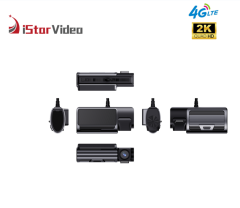
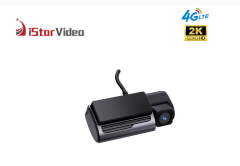
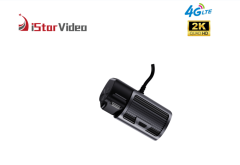
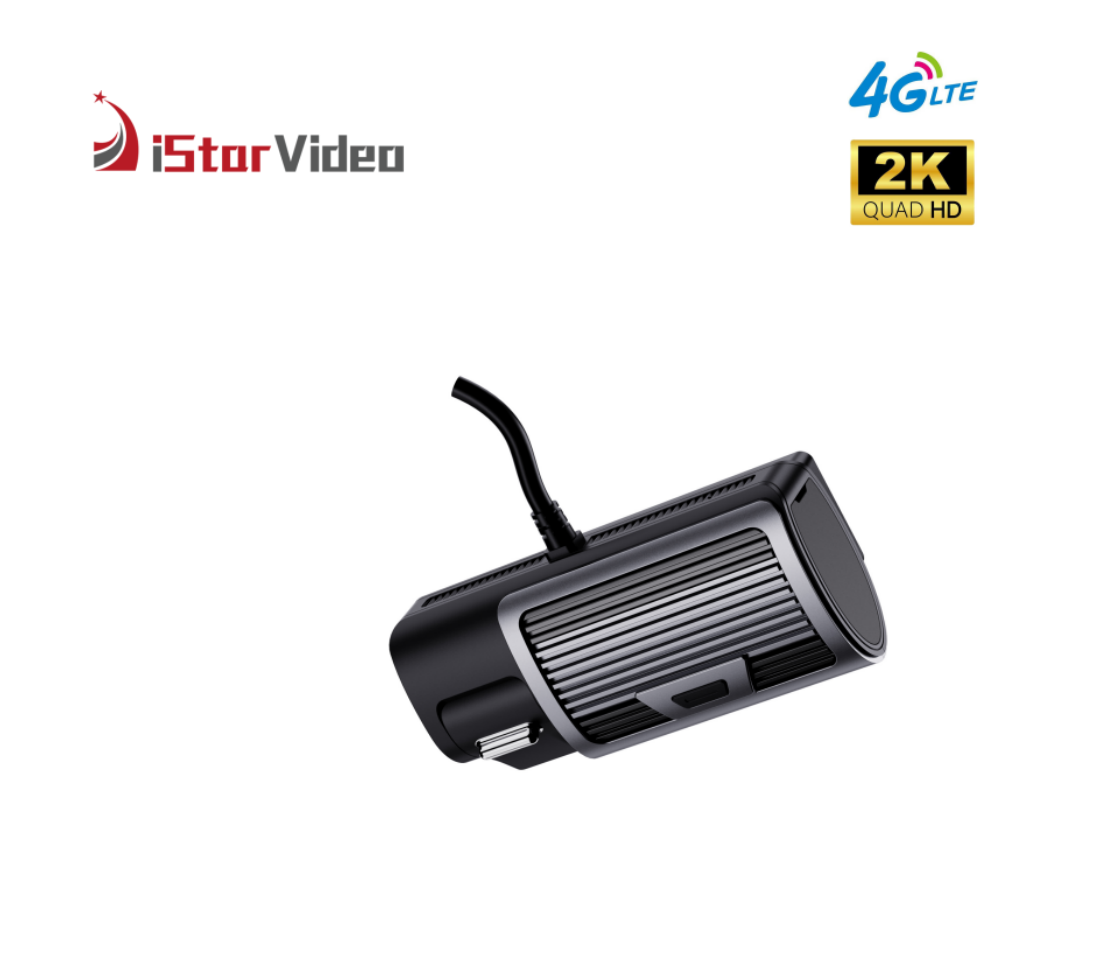
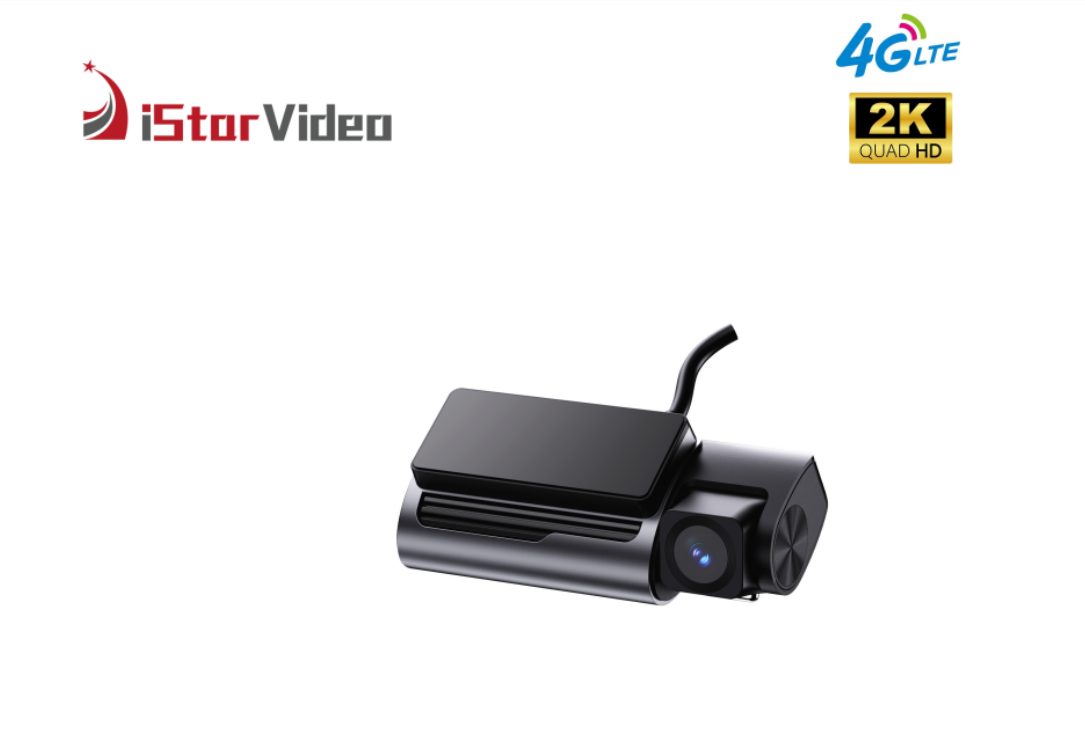
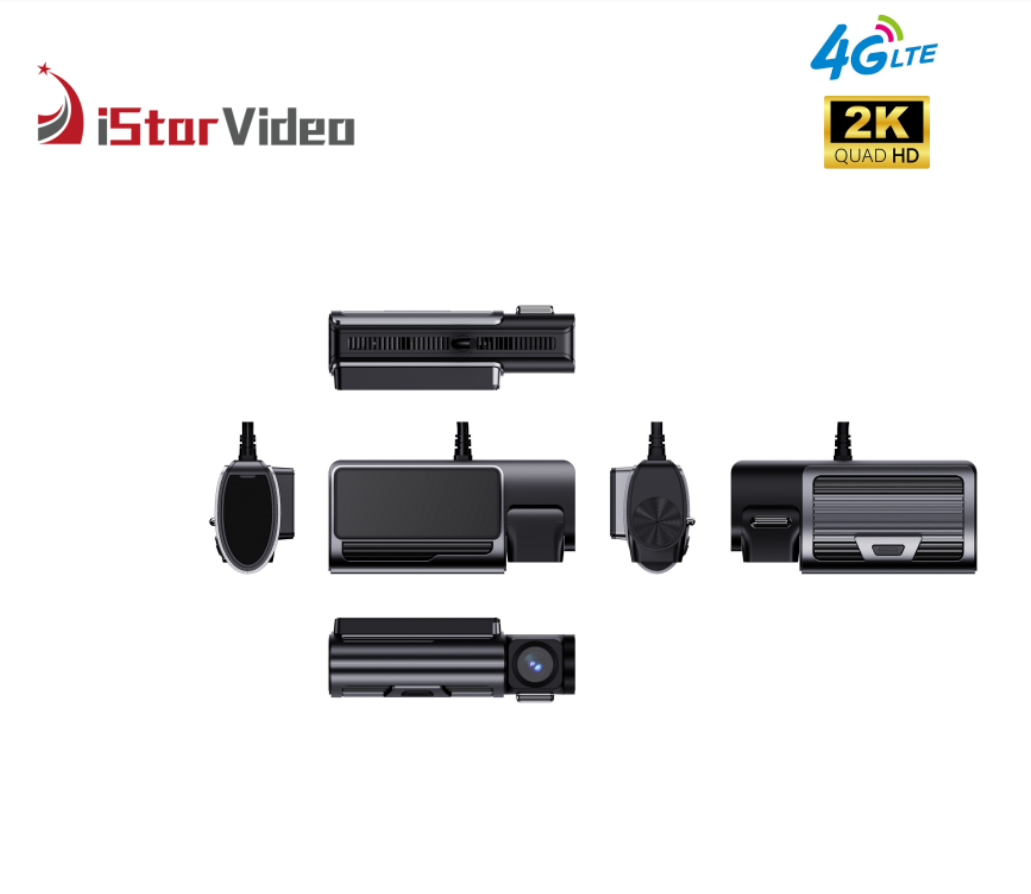
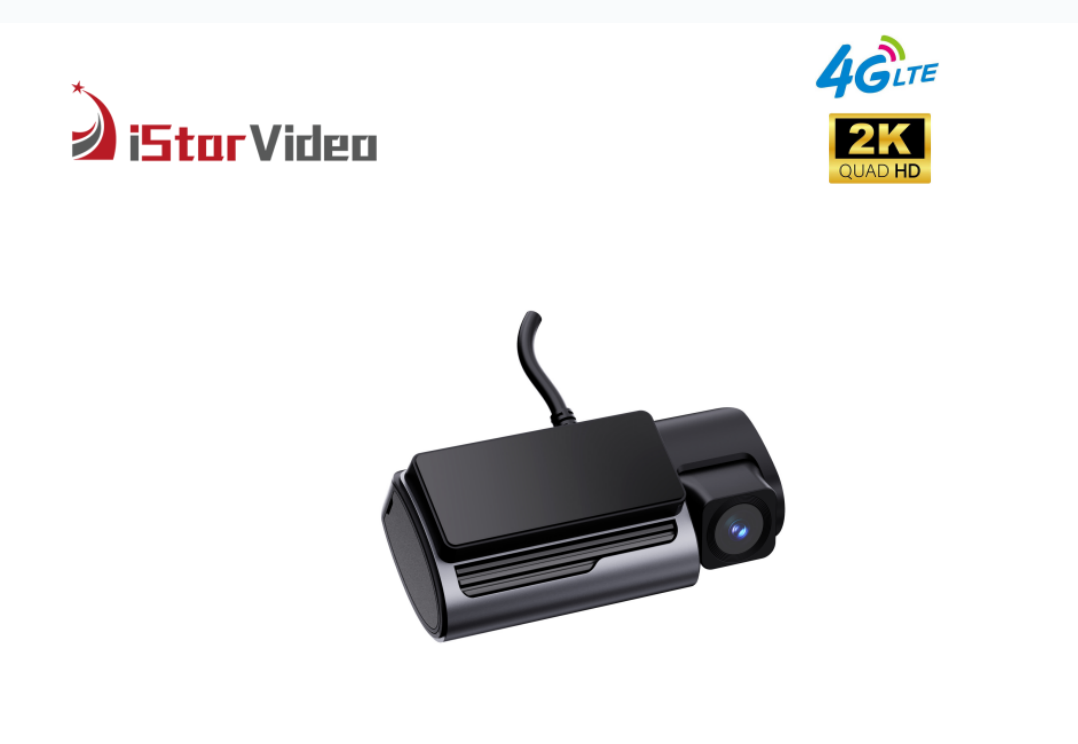
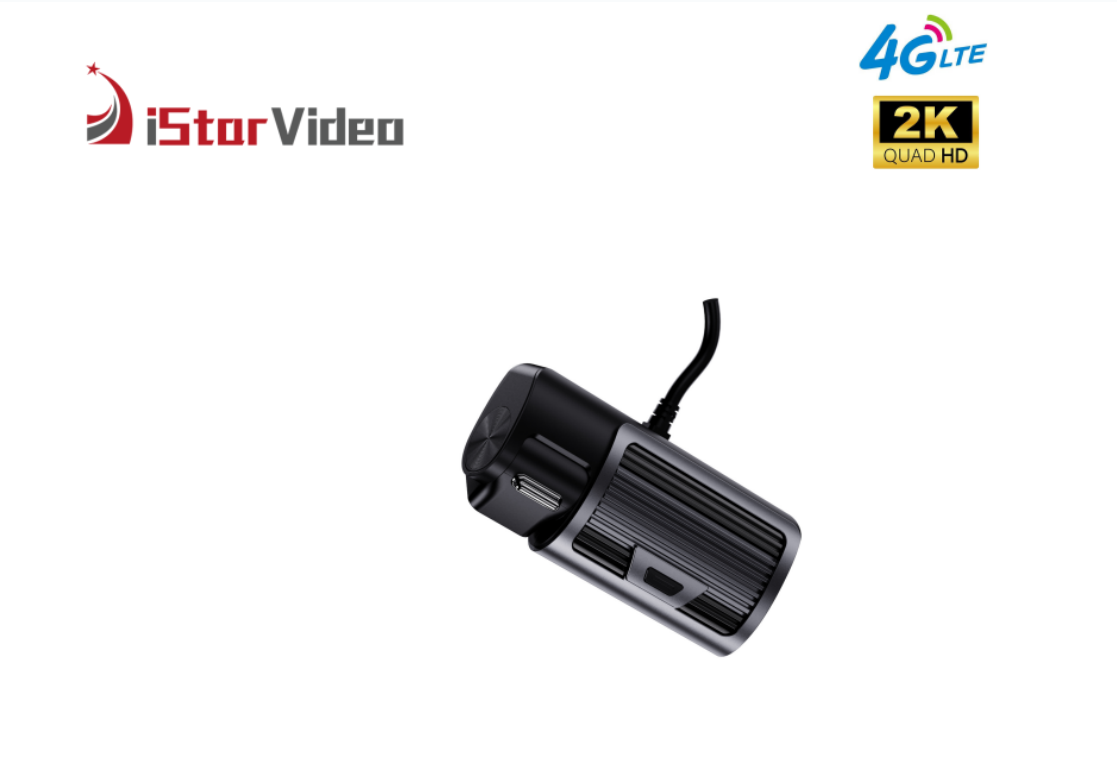
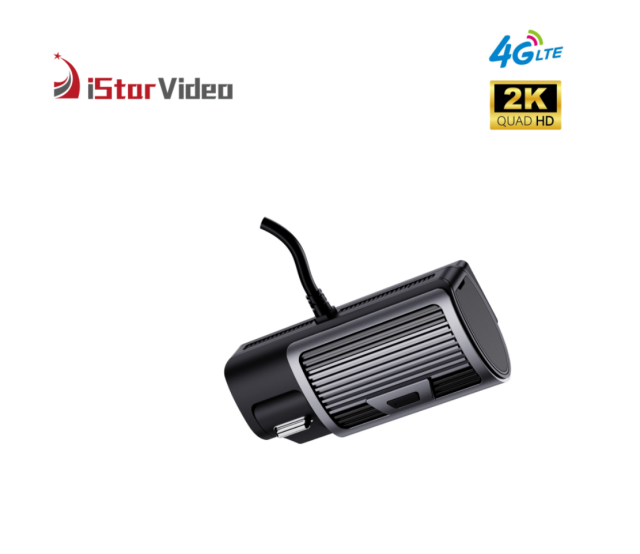
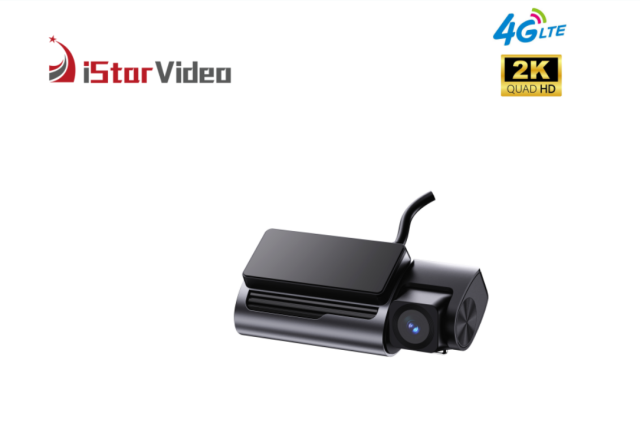
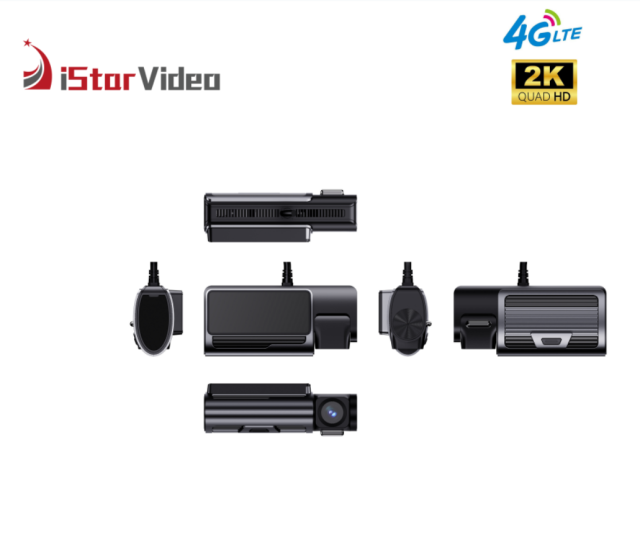
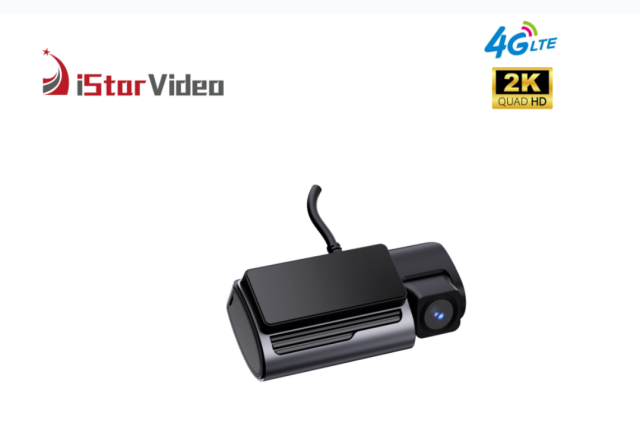
Dash camera with rear display screen and side-mounted lensFront view of dash camera with lens and vented housingDash camera front body showing lens and vented housingAngled dash camera with front lens, vents and top mountDash camera shown in two product viewsDash camera body shown at an angleDash camera seen from the rear at an angleCloudiCar app screens showing remote video and GPS trackingCloudiCar app location map, geofence setup and alarm messagesCamera app file browsing and device settings screensTrade show booth collage of iStarVideo dash camera displays

Product Overview

Most vehicle cameras answer one question: what happened in front of the vehicle. This 2K dual channel dash cam answers a second one at the same moment — what was happening inside it. A true 2K lens faces the road while a 1080P infrared lens faces the cabin, and the two record together, so a single clip carries both the incident outside and the reaction inside.

It is made for vehicles that work all day. The recorder sits in a compact black housing with a flat top panel and ribbed sides, mounts on the windscreen or dashboard, and starts recording when the vehicle does; the screen on the unit confirms recording status without anyone reaching for a phone. Over 4G LTE the camera streams live video to the CloudiCar app or the PC platform, carries two-way audio into the cabin, and pushes overspeed, geofence, SOS and anti-theft alarms to whoever is on duty. Wi-Fi takes over the heavy lifting once the vehicle is back at the yard.

That combination is what makes this dual channel dash cam for company vehicles a practical fit for distribution fleets, corporate pool cars, rental and leasing operations and security vehicles — one unit that can be fitted across mixed vehicle types and managed from one screen. Every unit ships with mounting hardware and instructions, so in-house technicians can complete the fitting and professional installers have what they need.

Connected vs Standalone Recording

  • Dual-facing recording — both versions record the road and the cabin, so the decision is never about how many cameras you get.
  • Live view — the 4G unit streams video to a phone or PC while the vehicle is out; a standalone recorder has to be brought back before anyone sees the footage.
  • Two-way talking — management can speak into the cabin through the app on the 4G version, while a standalone unit has no return audio path.
  • Instant notification — alarms arrive on the platform as they happen on the 4G version; a standalone recorder reports nothing until someone reads the card.
  • GPS location — both versions log position, but only the connected unit makes that position visible while the vehicle is still moving.
  • Cloud storage — event footage can be kept in the cloud on the 4G version; a standalone unit keeps everything on the card inside the vehicle.
  • Video download — with 4G there are two routes to a clip: event footage from the cloud and loop recordings from the card. A standalone dual channel car DVR only ever gives you the card.

Installation & First Setup

  1. Confirm the mounting position first: behind or beside the mirror, inside the wiper sweep, with the screen visible to the driver and the cabin lens clear of the headliner.
  2. Fix the bracket and route the cable along the headliner and A-pillar to the fuse box, keeping it clear of airbag zones and moving parts.
  3. Insert a microSD card and format it in the unit before the first recording, since a card formatted elsewhere can lead to dropped files.
  4. Fit the data SIM and confirm the unit registers on the mobile network with a stable signal at the mounting position.
  5. Register the device on the CloudiCar app or the PC platform and give it a name the fleet will recognise — the plate number is usually the clearest.
  6. Set the alarm rules for that vehicle: overspeed threshold, geofence for the sites it serves, SOS contact and the correct time zone.
  7. Run a test drive and check both channels, the live view, one alarm and one download before the vehicle goes back into service.
  8. Record the unit ID, vehicle and fitting date, then repeat the same sequence on every vehicle, because a consistent installation is what makes a fleet review readable later.

Deployment Scenarios

  • Distribution and logistics — a 2K dual channel dash cam for company vehicles settles proof-of-delivery and route disputes with footage and position data instead of a driver's recollection.
  • Corporate pool cars — when a vehicle is shared between staff, the cabin view and the on-unit screen make handover questions and damage reports quick to close.
  • Rental and leasing — a dual channel car DVR gives a record at collection and at return, covering the road and the interior condition in the same capture.
  • Security and patrol vehicles — road and cabin views run together with SOS and anti-theft alerts, which suits vehicles that work nights and stand unattended for long periods.
  • Passenger and staff transport — the cabin lens and two-way audio let a controller check on passengers or give instructions without stopping the vehicle.
  • Driver communication — tell drivers what is recorded, where it is stored and who may review it before the units go in; a short written policy prevents most objections later.

GPS Tracking & Alerts

Location data on this dual channel dash cam for company vehicles is recorded continuously and tied to the footage, so a route can be replayed next to the video instead of being reconstructed from memory. When a customer disputes a delivery time or a driver disputes a manoeuvre, the position log and the clip sit together in the same review.

The alarm set is where the tracking becomes operational. An overspeed threshold raises a notification the moment a vehicle exceeds it — set it per vehicle type rather than per fleet, because a limit that suits a van will fire constantly on a loaded truck running the same route. Geofence zones are drawn around depots, customer sites or restricted roads, and a vehicle crossing one produces its own alert. The SOS alarm is driver-triggered for an emergency, and the anti-theft alarm covers the vehicle while it is parked and unattended.

Alerts land on the platform and in the app, so a controller sees the event while there is still something to do about it: call the driver, open the live view, or pull the clip. A handful of alerts that are always followed up is worth more than a hundred that are ignored, so agree internally which ones trigger a call and which are only logged for later review.

Storage & Footage Access

Footage lives in two places, and knowing which is which saves time on the day a clip is needed. The card in the unit is the always-on copy: the recorder loops over the oldest files as the card fills, so it always holds the most recent driving rather than an archive of the whole year.

Cloud storage is the second copy, and it is event-led. Recordings that have been pushed to the cloud need a 4G data connection to download, which is the trade-off for being able to retrieve a clip without touching the vehicle. Normal loop recordings stay on the SD card and are downloaded over Wi-Fi mode — quick, local and free of mobile data use.

Build a small routine around that split. Agree who reviews footage and how often, keep the original file untouched when a clip is exported for an insurer or a customer, and note the vehicle, date and time alongside it so the evidence stands on its own. Decide at the same time whether event notifications go to one controller or a shared inbox, because the retrieval path only helps if someone is actually watching it.

Specifications

- True 2K on the road lens — the front camera records at true 2K resolution, which is the difference between reading a number plate weeks later and guessing at it. - 1080P infrared cabin lens — the interior camera lights the cabin with infrared, so a night-time check shows who was in the vehicle instead of a dark rectangle. - WDR and super night vision — bright headlights and unlit side roads are balanced in the same frame, so one strong light source does not black out everything around it. - G-sensor event marking — a hard brake or an impact is flagged by the built-in sensor, which is how that piece of footage is separated from hours of ordinary driving before anyone reviews it. - Screen on the unit — recording status and the live image can be checked at the vehicle itself, which is quicker than opening a platform when a driver reports a problem at the start of a shift. - Built as a dual channel dash cam for company vehicles — one compact body, one bracket type and one fitting procedure cover vans, light trucks and pool cars, which is what keeps a fleet rollout on schedule.

SpecificationDetail
Model codeiSV-D6 (4G + 2K, two-channel car DVR)
Front cameraTrue 2K
Cabin camera1080P with infrared night vision
ProcessorAX620QZ ARM Cortex-A53 quad-core, 1.2 GHz, Linux 4.19
Video compressionH.265
Frame rate and lens30 fps, 140° ultra-wide angle
Connectivity4G LTE and Wi-Fi
Live viewRemote live video through the app or PC platform
StoragemicroSD card slot up to 512GB, plus cloud storage
roleGPS tracking with location records
AlarmsOverspeed, geofence, SOS, anti-theft
Image enhancementWDR, super night vision, G-sensor
Recording modesLoop recording, parking monitor, time-lapse
Power protectionLow battery protection

Maintenance & Spare Parts

PartRoutineWhy it matters
Memory cardSet a replacement date for every card and keep a formatted spare at each depot or workshop.The recorder loops over the oldest files all day, so the card is the first part to wear out and the usual reason a requested clip cannot be found.
Card handlingFormat each new card inside the unit before it goes into service, and label it with the plate number.A card formatted on a computer can drop files, and an unlabelled card that fails cannot be traced back to a vehicle.
Cabin lensWipe the infrared lens cover with a dry, lint-free cloth during the regular vehicle check.Dust and fingerprint film soften the cabin image after dark, which is when interior footage is usually needed.
Road lens and screenClean the front lens with a dry microfibre cloth and keep solvents away from the display.Solvent and paper towels leave fine scratches that flare under oncoming headlights.
Windscreen mountRe-seat the bracket after a windscreen replacement or a hot spell, and check that the housing cannot be shifted by hand.A mount that has crept lets the aim drift, so the road view slowly loses the lane or the plate area.
Power leadInspect the cable run and fuse tap after any dashboard or trim work on the vehicle.A disturbed connection shows up as restarts and short gaps in the recording rather than as an obvious failure.
SIM and data planRenew the data plan before it lapses and keep the account details in the vehicle file.Without data the unit keeps recording to the card, but alarms, live view and cloud clips go silent, which is easy to miss.
Spares stockHold spare cards, brackets, cables and at least one complete unit so a replacement 2K camera can be swapped in and the vehicle returned to service the same day.This is what keeps the fleet on the road instead of waiting on a shipment.

OEM & Private-Label Options

  • Wholesale dual channel dash cam programmes — we build to your configuration rather than shipping one fixed box, so a distributor can carry a single model across several markets.
  • Branding — your logo on the housing and in the packaging artwork, with proofs approved before production is scheduled.
  • Packaging — shelf-ready or plain cartons with your labels and barcodes, packed to the carton configuration you specify.
  • Documentation — quick-start guides and manuals in the language of the market you sell into.
  • Configuration — alarm defaults, time zone and out-of-box settings: tell us what you need and we will confirm what can be set at the factory.
  • Range consistency — ordering the same bracket and accessory kit across a product line keeps your stock simple and your support questions short.

Ordering & Delivery

  1. Confirm the model code before a volume order. Specification sheets for this two-channel model have also circulated under the iSV-D8Plus code, so match the code printed on the unit and on the carton to the one on your quotation.
  2. Agree the configuration — accessory kit contents, branding, packaging artwork and documentation language.
  3. For a wholesale dual channel dash cam programme, send the markets you sell into and the carton markings you need before production is scheduled.
  4. Confirm quantity, delivery schedule, shipping terms and payment terms with your sales contact; these are quoted per order rather than set in advance.
  5. Settle the data and platform arrangements: who supplies the SIM, what the data plan covers, and how the CloudiCar account will be organised across your vehicles.
  6. Ask for the catalogue and the full specification sheet if you need documents for a tender or an internal approval.
  7. Agree the after-sales route and whether you want spare units held for swap-outs during the rollout.

Scale & Supply Capability

We build in our own factory, with six production lines and a workforce of more than 100 people, which gives us a monthly output of 30,000 PCS for buyers who need volume without long waits. Around 50 engineers, most with over ten years in the field, run our OEM and ODM projects, and our in-house developers release new models every year. Tell us the branding, packaging and configuration you need, and we will plan production, stock and shipment around your order schedule.
FAQ

What does the second lens actually record?

Both cameras record at once: the road lens in true 2K and the cabin lens in 1080P with infrared illumination. That means a single clip shows the incident outside and the people and reactions inside at the same second. In daylight the cabin lens behaves like any interior camera; after dark the infrared takes over.

What connectivity options are available for remote monitoring?

4G LTE and Wi-Fi are both built in. LTE is what keeps the camera reachable while the vehicle is on the road — live view, two-way audio, instant alarms and cloud clips all travel over the mobile network. Wi-Fi covers the same ground locally, which is the lighter route when the vehicle is back at the yard and you want to pull footage onto a laptop.

What storage options does the device support?

This dual channel car DVR records to a microSD card of up to 512GB and can also send event footage to cloud storage over 4G. The card is the always-on copy inside the vehicle; the cloud copy is what is still available if the vehicle is stolen or the card is removed.

What happens when the vehicle is parked?

Parking monitor and time-lapse recording keep the camera working with the ignition off, and low battery protection stops the recording before the battery is drawn down too far to start the engine. Both are switched on in the unit settings rather than running automatically on every vehicle, so decide per vehicle how long you want parked coverage to run.

How do we keep the system reliable over years of use?

Treat the memory card as a wear item and replace it on a schedule rather than waiting for a failure — continuous recording is hard on cards, and a card that has quietly stopped writing is a frequent reason a clip turns out to be missing. Format each new card in the unit, clean the lenses with a dry cloth, check the mount after any windscreen work, and confirm both channels show a live image during routine vehicle checks.

CONTACT US

If you have any queries, get in touch today! Don't hesitate. We try to take the extra step for our customer satisfaction.
Name
Email *
Message
Verification Code *
Click to verify

Download

Leave a message
Name
Email *
Message
Verification Code *
Click to verify