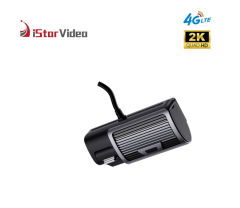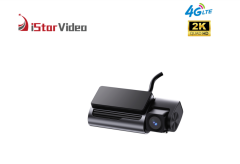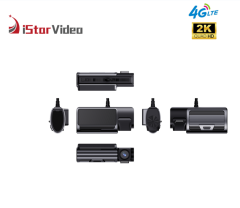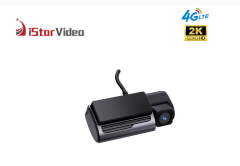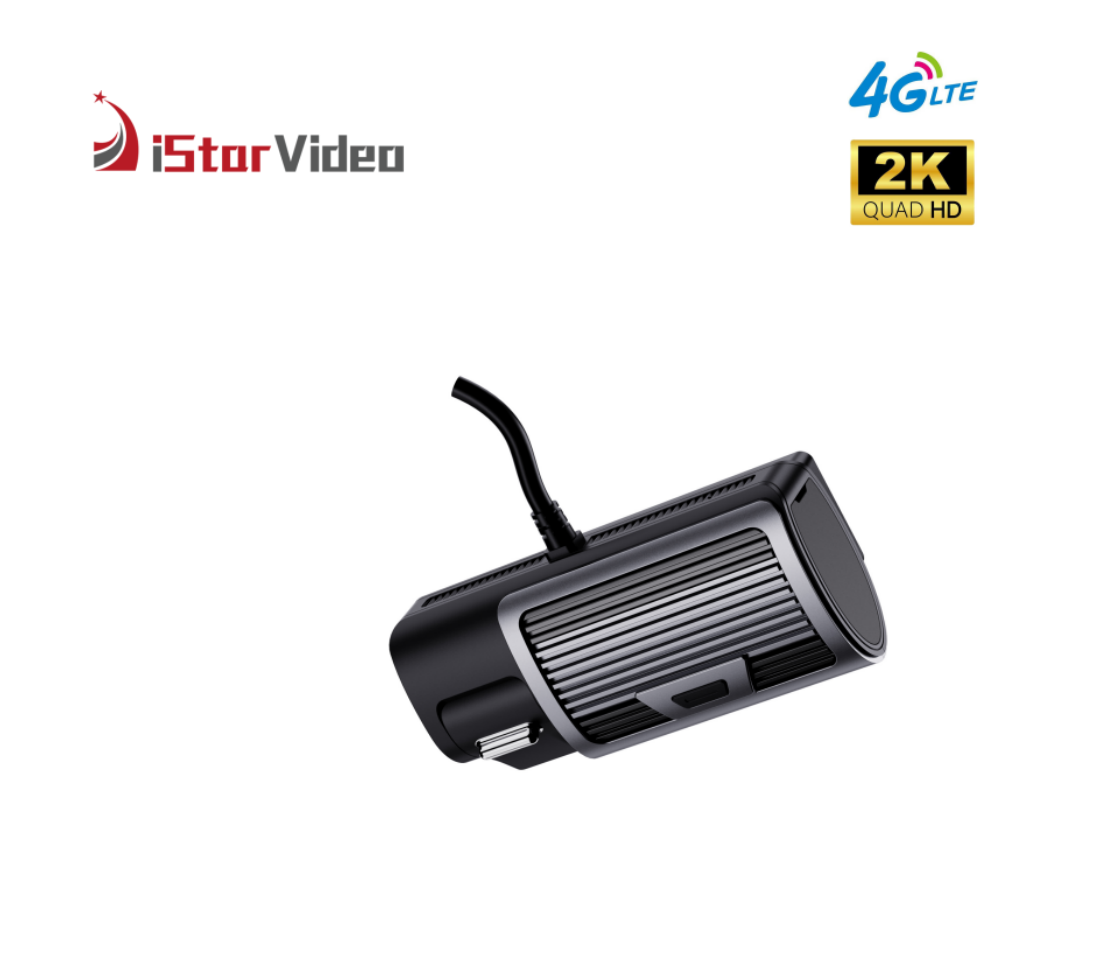
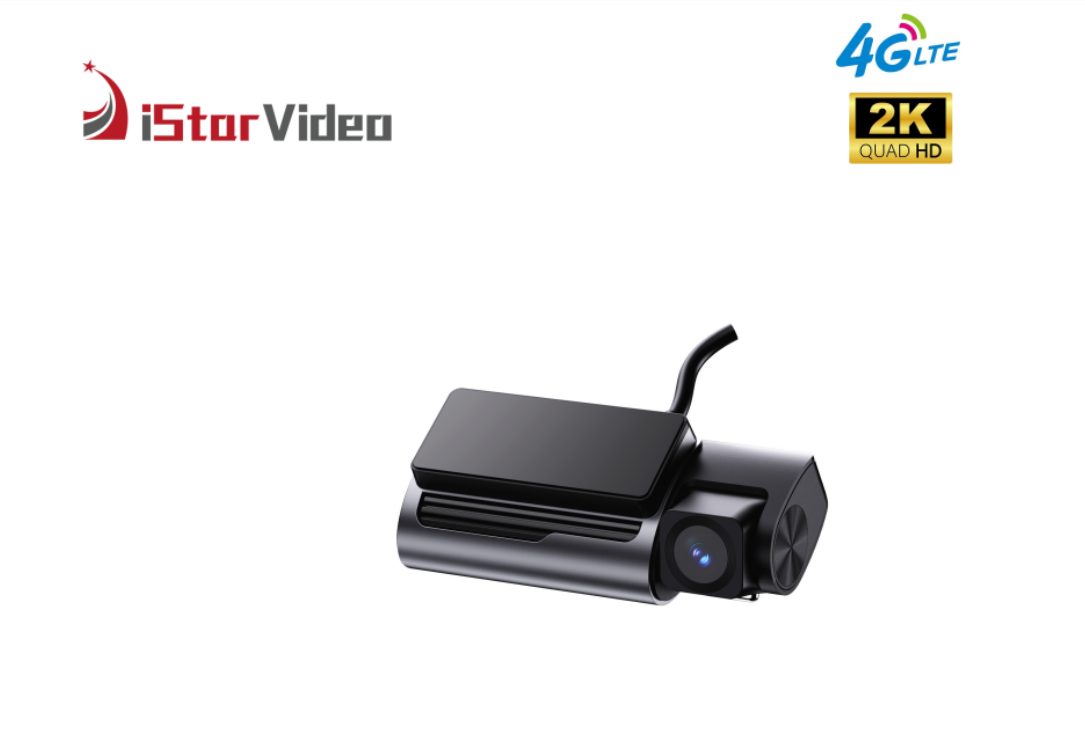
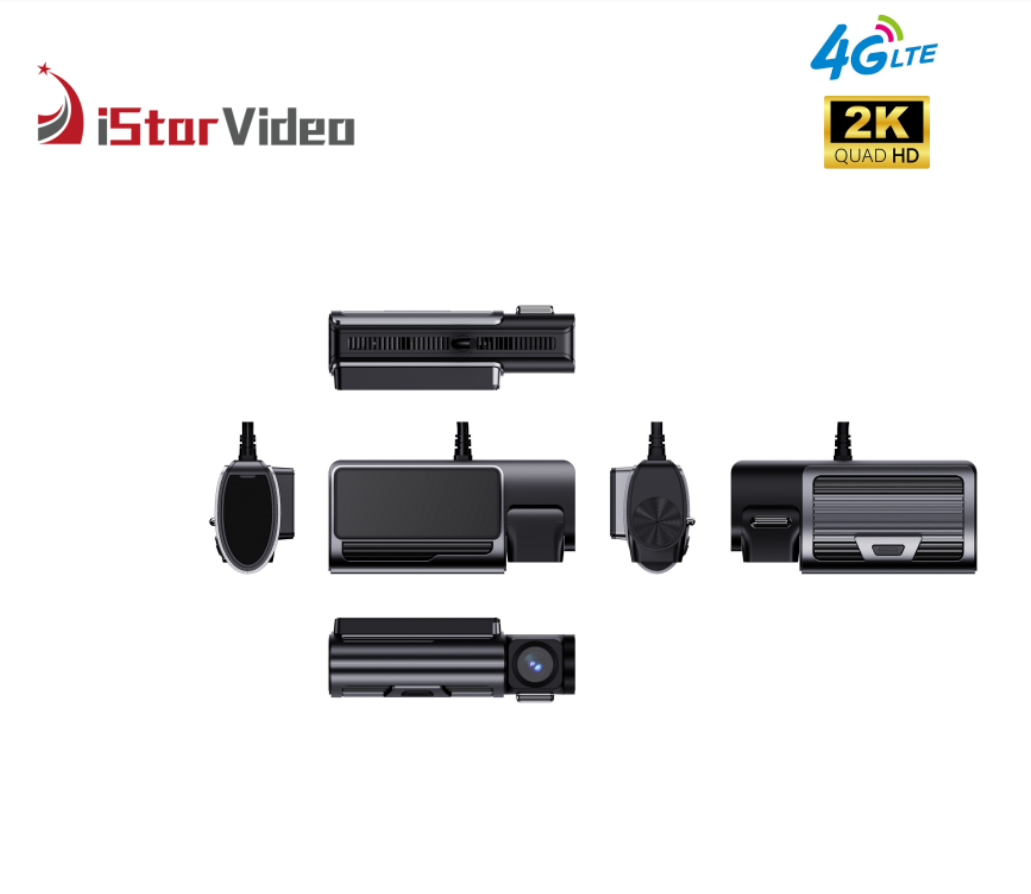
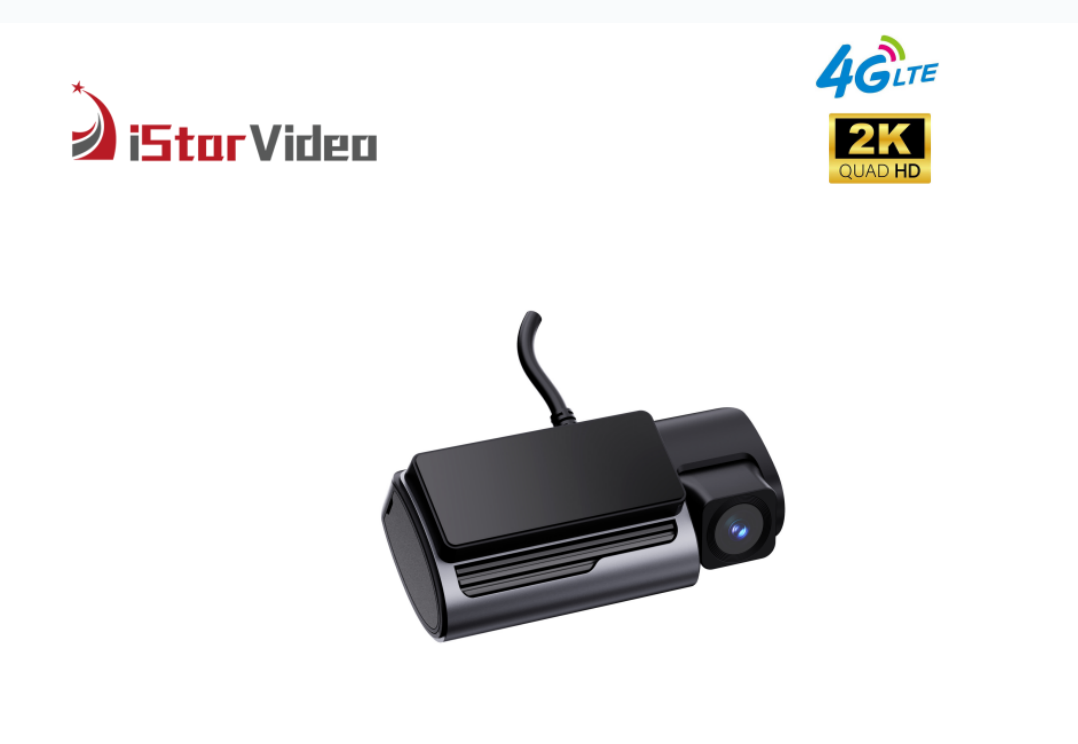
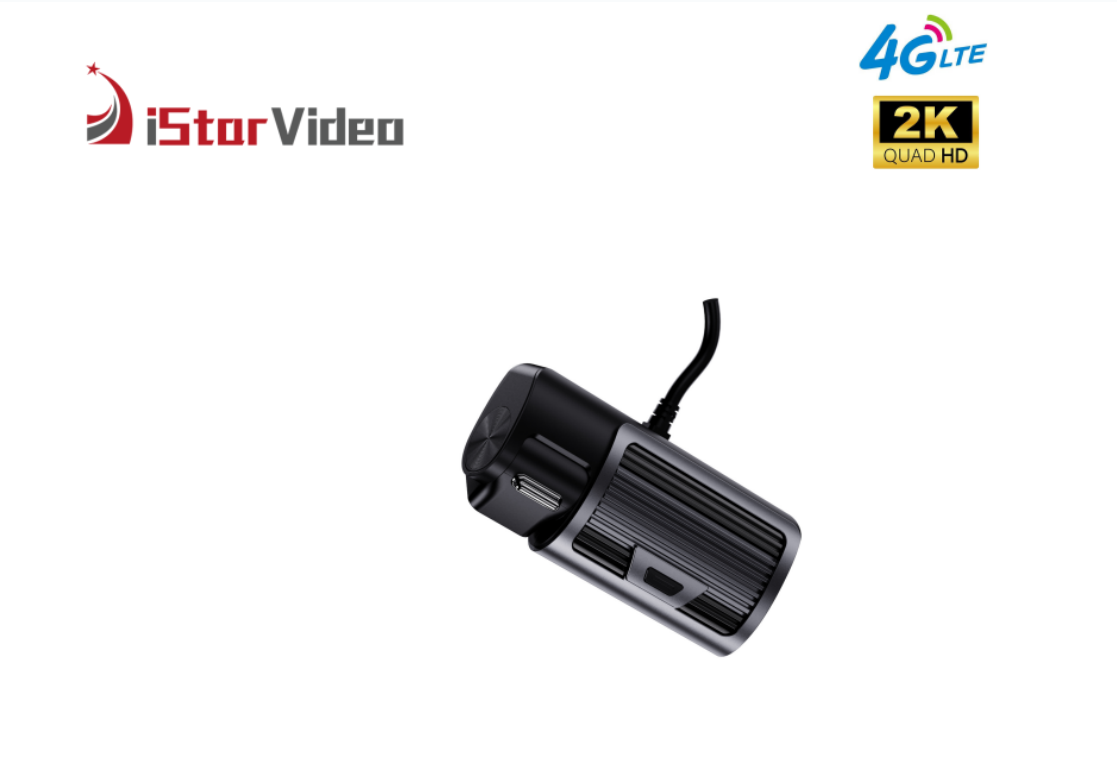
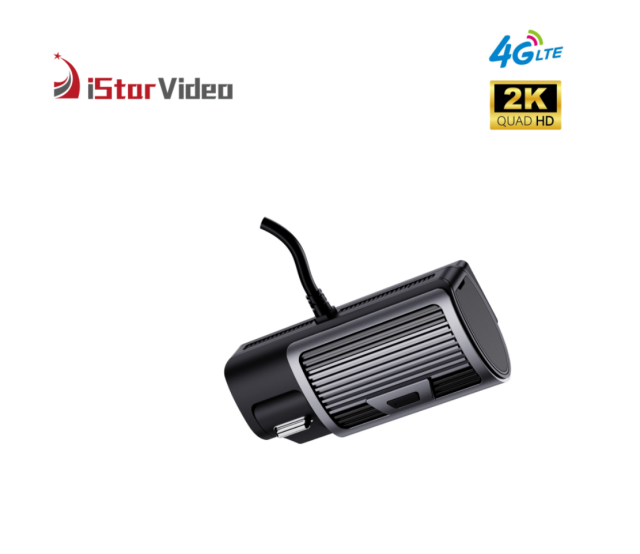
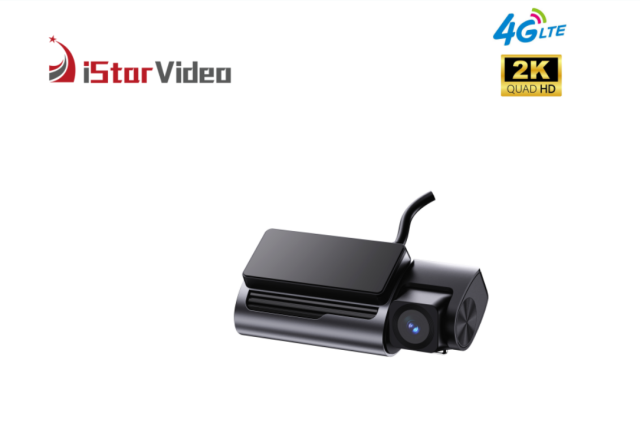
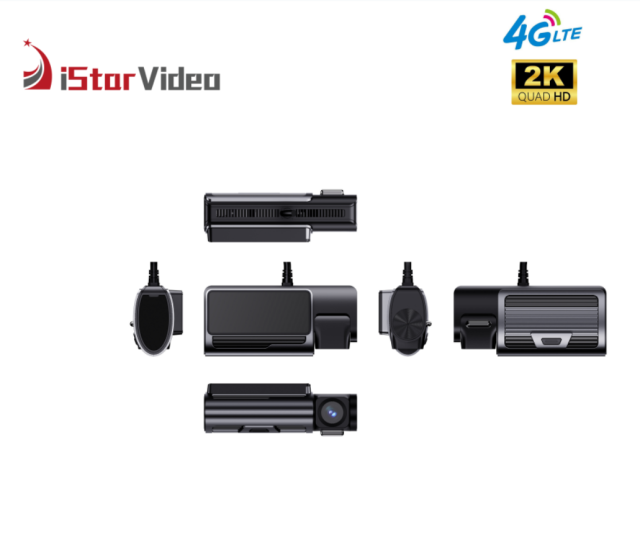
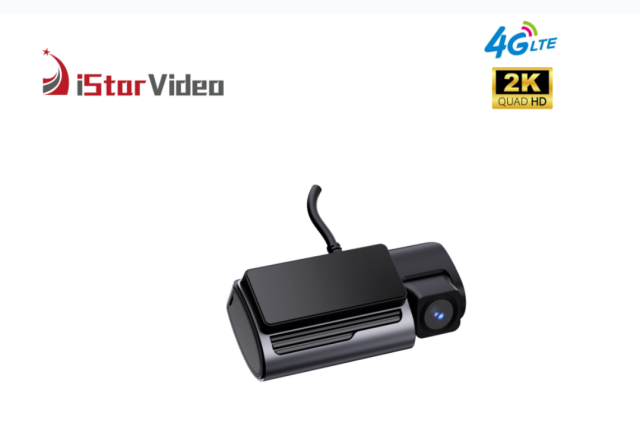
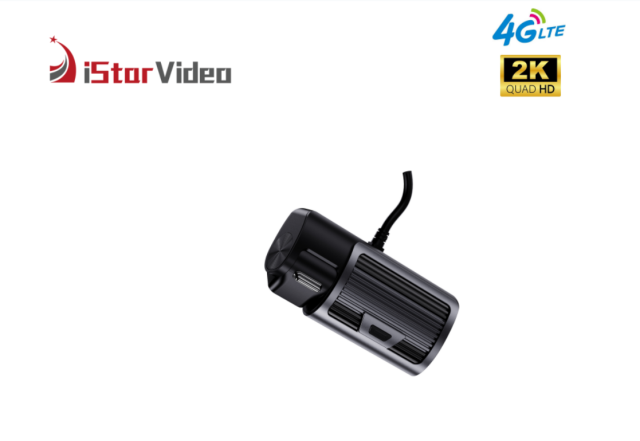


Most vehicle cameras answer one question: what happened in front of the vehicle. This 2K dual channel dash cam answers a second one at the same moment — what was happening inside it. A true 2K lens faces the road while a 1080P infrared lens faces the cabin, and the two record together, so a single clip carries both the incident outside and the reaction inside.
It is made for vehicles that work all day. The recorder sits in a compact black housing with a flat top panel and ribbed sides, mounts on the windscreen or dashboard, and starts recording when the vehicle does; the screen on the unit confirms recording status without anyone reaching for a phone. Over 4G LTE the camera streams live video to the CloudiCar app or the PC platform, carries two-way audio into the cabin, and pushes overspeed, geofence, SOS and anti-theft alarms to whoever is on duty. Wi-Fi takes over the heavy lifting once the vehicle is back at the yard.
That combination is what makes this dual channel dash cam for company vehicles a practical fit for distribution fleets, corporate pool cars, rental and leasing operations and security vehicles — one unit that can be fitted across mixed vehicle types and managed from one screen. Every unit ships with mounting hardware and instructions, so in-house technicians can complete the fitting and professional installers have what they need.
Location data on this dual channel dash cam for company vehicles is recorded continuously and tied to the footage, so a route can be replayed next to the video instead of being reconstructed from memory. When a customer disputes a delivery time or a driver disputes a manoeuvre, the position log and the clip sit together in the same review.
The alarm set is where the tracking becomes operational. An overspeed threshold raises a notification the moment a vehicle exceeds it — set it per vehicle type rather than per fleet, because a limit that suits a van will fire constantly on a loaded truck running the same route. Geofence zones are drawn around depots, customer sites or restricted roads, and a vehicle crossing one produces its own alert. The SOS alarm is driver-triggered for an emergency, and the anti-theft alarm covers the vehicle while it is parked and unattended.
Alerts land on the platform and in the app, so a controller sees the event while there is still something to do about it: call the driver, open the live view, or pull the clip. A handful of alerts that are always followed up is worth more than a hundred that are ignored, so agree internally which ones trigger a call and which are only logged for later review.
Footage lives in two places, and knowing which is which saves time on the day a clip is needed. The card in the unit is the always-on copy: the recorder loops over the oldest files as the card fills, so it always holds the most recent driving rather than an archive of the whole year.
Cloud storage is the second copy, and it is event-led. Recordings that have been pushed to the cloud need a 4G data connection to download, which is the trade-off for being able to retrieve a clip without touching the vehicle. Normal loop recordings stay on the SD card and are downloaded over Wi-Fi mode — quick, local and free of mobile data use.
Build a small routine around that split. Agree who reviews footage and how often, keep the original file untouched when a clip is exported for an insurer or a customer, and note the vehicle, date and time alongside it so the evidence stands on its own. Decide at the same time whether event notifications go to one controller or a shared inbox, because the retrieval path only helps if someone is actually watching it.
- True 2K on the road lens — the front camera records at true 2K resolution, which is the difference between reading a number plate weeks later and guessing at it. - 1080P infrared cabin lens — the interior camera lights the cabin with infrared, so a night-time check shows who was in the vehicle instead of a dark rectangle. - WDR and super night vision — bright headlights and unlit side roads are balanced in the same frame, so one strong light source does not black out everything around it. - G-sensor event marking — a hard brake or an impact is flagged by the built-in sensor, which is how that piece of footage is separated from hours of ordinary driving before anyone reviews it. - Screen on the unit — recording status and the live image can be checked at the vehicle itself, which is quicker than opening a platform when a driver reports a problem at the start of a shift. - Built as a dual channel dash cam for company vehicles — one compact body, one bracket type and one fitting procedure cover vans, light trucks and pool cars, which is what keeps a fleet rollout on schedule.
| Specification | Detail |
|---|---|
| Model code | iSV-D6 (4G + 2K, two-channel car DVR) |
| Front camera | True 2K |
| Cabin camera | 1080P with infrared night vision |
| Processor | AX620QZ ARM Cortex-A53 quad-core, 1.2 GHz, Linux 4.19 |
| Video compression | H.265 |
| Frame rate and lens | 30 fps, 140° ultra-wide angle |
| Connectivity | 4G LTE and Wi-Fi |
| Live view | Remote live video through the app or PC platform |
| Storage | microSD card slot up to 512GB, plus cloud storage |
| role | GPS tracking with location records |
| Alarms | Overspeed, geofence, SOS, anti-theft |
| Image enhancement | WDR, super night vision, G-sensor |
| Recording modes | Loop recording, parking monitor, time-lapse |
| Power protection | Low battery protection |
| Part | Routine | Why it matters |
| Memory card | Set a replacement date for every card and keep a formatted spare at each depot or workshop. | The recorder loops over the oldest files all day, so the card is the first part to wear out and the usual reason a requested clip cannot be found. |
| Card handling | Format each new card inside the unit before it goes into service, and label it with the plate number. | A card formatted on a computer can drop files, and an unlabelled card that fails cannot be traced back to a vehicle. |
| Cabin lens | Wipe the infrared lens cover with a dry, lint-free cloth during the regular vehicle check. | Dust and fingerprint film soften the cabin image after dark, which is when interior footage is usually needed. |
| Road lens and screen | Clean the front lens with a dry microfibre cloth and keep solvents away from the display. | Solvent and paper towels leave fine scratches that flare under oncoming headlights. |
| Windscreen mount | Re-seat the bracket after a windscreen replacement or a hot spell, and check that the housing cannot be shifted by hand. | A mount that has crept lets the aim drift, so the road view slowly loses the lane or the plate area. |
| Power lead | Inspect the cable run and fuse tap after any dashboard or trim work on the vehicle. | A disturbed connection shows up as restarts and short gaps in the recording rather than as an obvious failure. |
| SIM and data plan | Renew the data plan before it lapses and keep the account details in the vehicle file. | Without data the unit keeps recording to the card, but alarms, live view and cloud clips go silent, which is easy to miss. |
| Spares stock | Hold spare cards, brackets, cables and at least one complete unit so a replacement 2K camera can be swapped in and the vehicle returned to service the same day. | This is what keeps the fleet on the road instead of waiting on a shipment. |
We build in our own factory, with six production lines and a workforce of more than 100 people, which gives us a monthly output of 30,000 PCS for buyers who need volume without long waits. Around 50 engineers, most with over ten years in the field, run our OEM and ODM projects, and our in-house developers release new models every year. Tell us the branding, packaging and configuration you need, and we will plan production, stock and shipment around your order schedule.