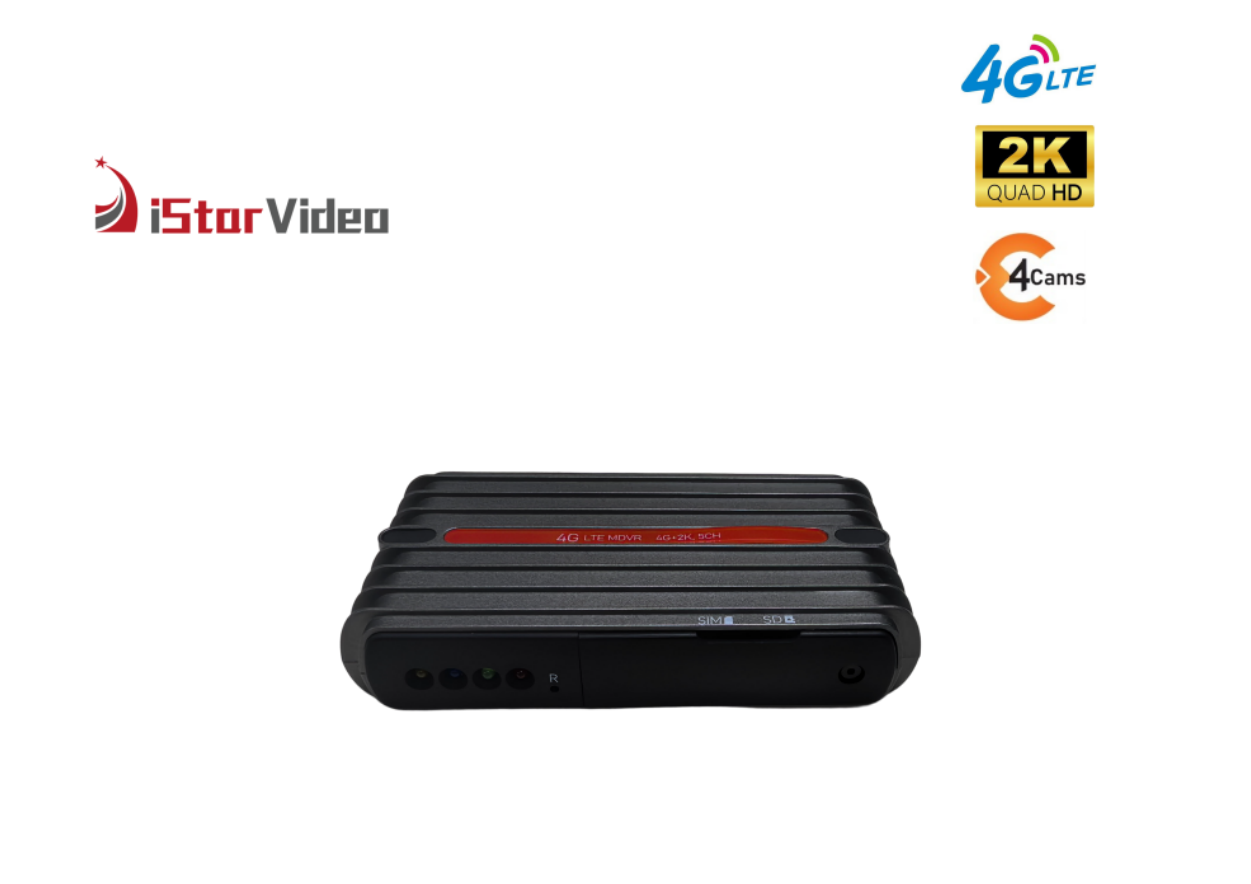
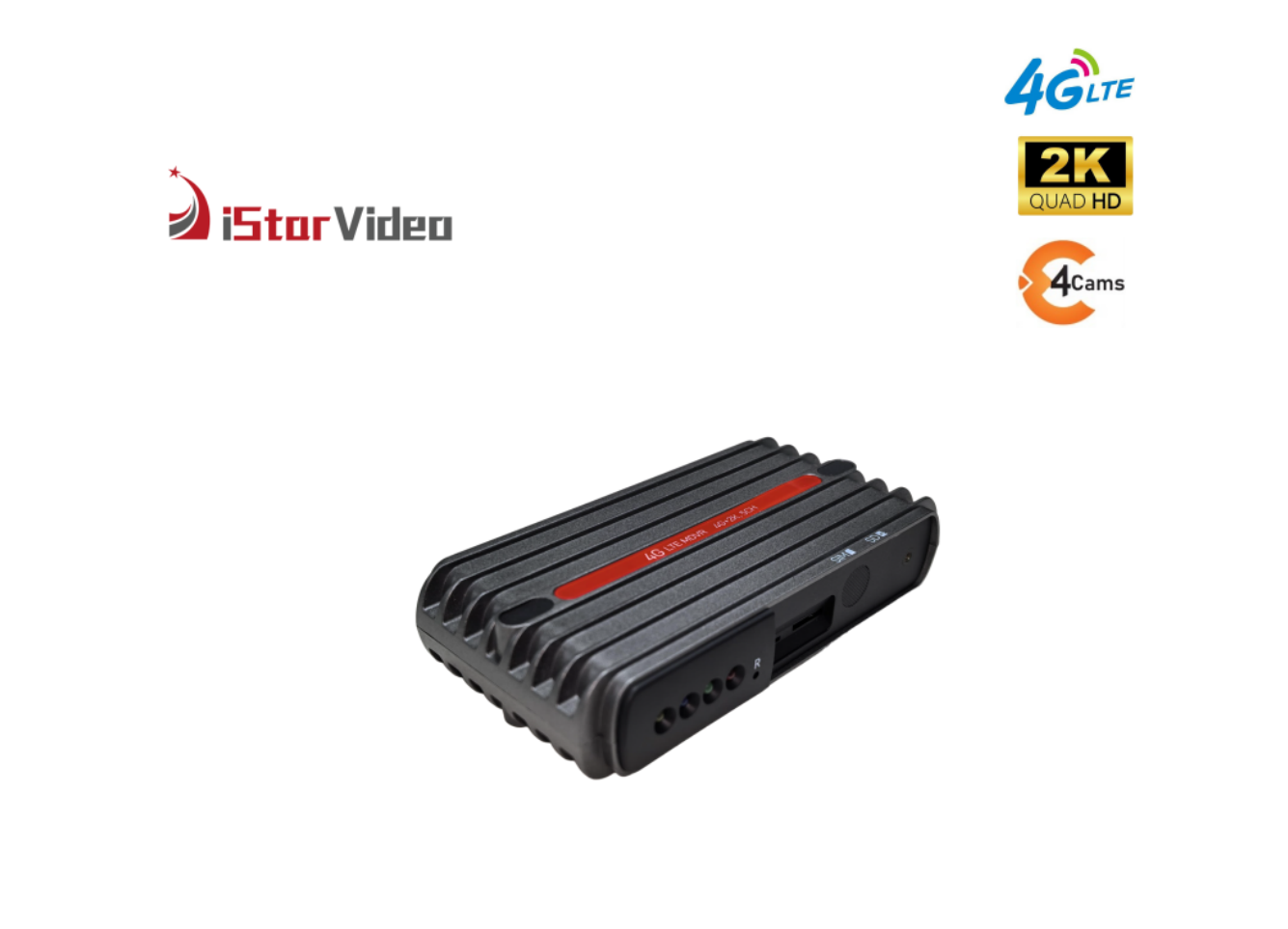
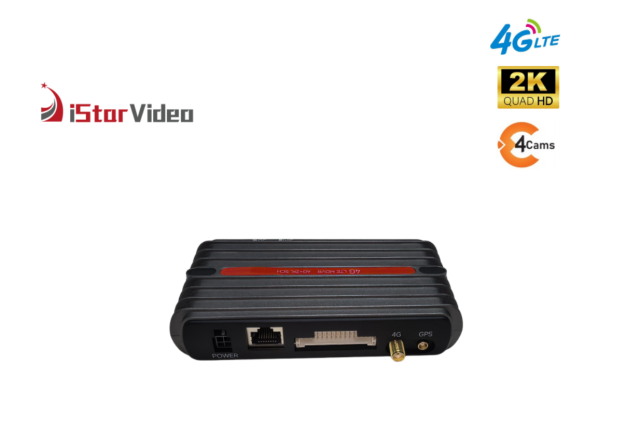
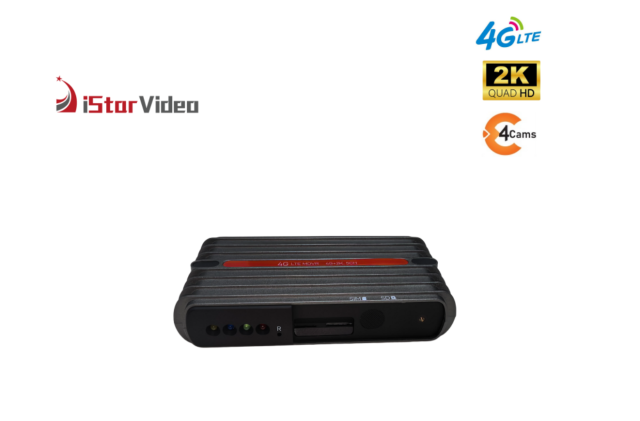
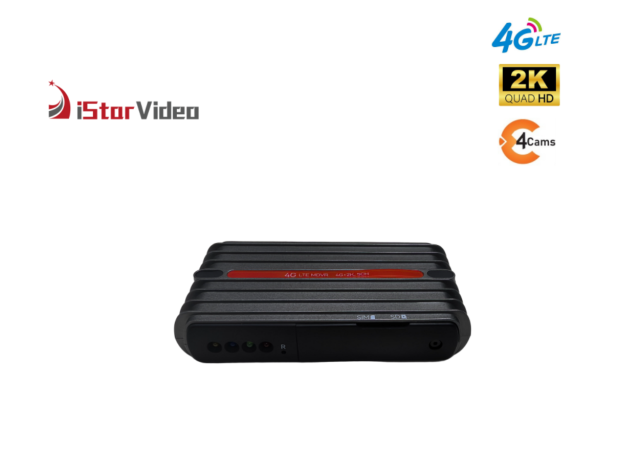
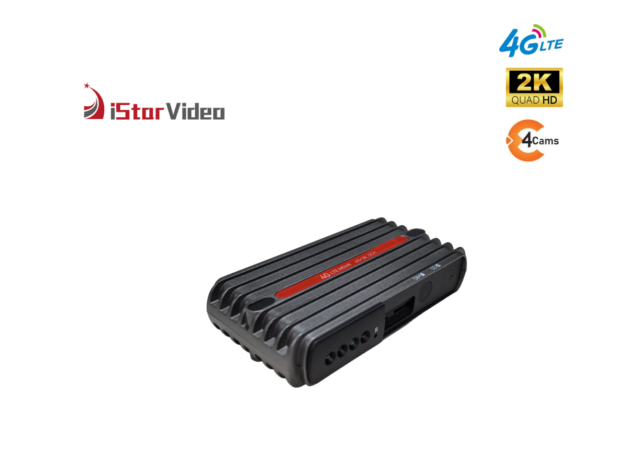
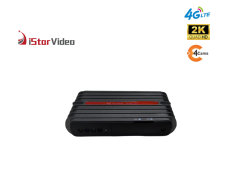
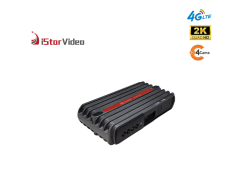
Product Overview
This 4G touchscreen dash cam is built for operators who need to see a vehicle in service without walking out to the yard. A road-facing camera records in true 2K while a second camera faces the cabin in 1080P with infrared, and both views travel over 4G LTE or Wi-Fi to the CloudiCar app or the PC platform.
It fits logistics and transport fleets, distribution and last-mile operations, corporate vehicle pools, rental and lease fleets, and security patrol vehicles — anywhere a dispatcher, safety manager or control room wants live video, vehicle location and event alerts while the vehicle is working. Drivers get a touch display they can read at a stop; managers get the same picture from the office.
The unit replaces a standalone recorder that can only be read once the vehicle is back in the yard. It is designed to sit alongside an existing telematics setup rather than replace it, and because the road camera and the cabin camera are separate units, the same kit can be routed into different cab layouts as the fleet grows.
Cloud Monitoring & Touch Control
- Live view from the office. A dispatcher opens the CloudiCar app or the PC platform, picks a vehicle and watches the road and cabin feeds in real time over 4G LTE. Wi-Fi is there for yard work and for pulling files without spending mobile data.
- Two-way audio. The control room can speak into the cabin and the driver can answer, which covers route changes, a delivery query, or checking on a driver who has stopped somewhere they should not have.
- Alerts that arrive as they happen. An alarm raised by the unit reaches the app as a notification instead of sitting in a log nobody opens, so a geofence breach or an over-speed event is seen while there is still time to act on it.
- Alarms matched to the risks fleets actually carry. SOS gives the driver a way to call for help from inside the vehicle, anti-theft covers unauthorised movement, geofence keeps routes and restricted areas in order, and over-speed supports driver standards. Each one is set up around your own areas and thresholds when the vehicle is commissioned.
- A touch display on the unit itself. The screen gives the driver and the technician a live picture, playback and settings access without needing a phone, which shortens roadside checks and handovers between shifts.
- Made for the dispatch day. As a cloud dash cam for logistics fleets, it solves the recurring problem of depot-to-depot runs, night trunks and multi-drop routes: the person who needs to see the footage is never in the vehicle.
- One account, many vehicles. Units are added to the same CloudiCar account as they are commissioned, so coverage grows depot by depot instead of arriving as a pile of separate devices.
Camera & Recording Quality
Two cameras recording at the same time. The road-facing camera captures true 2K detail — plates, lane markings, signage — while the cabin camera records in 1080P with infrared illumination so the interior stays readable after dark. A 140° view of the road. The wide lens takes in the lanes beside the vehicle, the kerb and the mirror area, so a single front unit covers the angles an incident review usually needs. That is what allows this 4G cloud dash cam to stream live while it records. H.265 keeps files and uplink lighter. The same trip occupies a smaller file than older codecs, so more history stays on the memory card and event clips reach the cloud faster on a weak signal. WDR and low-light handling. Wide dynamic range balances bright headlights against a dark roadside, and super night vision lifts shadow detail without washing out a plate.
Storage & Recording Continuity
Size the card against how many hours each vehicle runs per shift rather than buying one card size for the whole fleet. Loop recording that looks after itself. Once the card is full the oldest files are overwritten, so nobody clears storage between shifts and a vehicle never stops recording because a card filled up. Event clips that survive the vehicle. When the G-sensor or an alarm registers an incident, the clip is backed up to the cloud over 4G. If the vehicle is damaged, towed or the card is removed, the event evidence is already off the vehicle. Impact files are locked. The G-sensor marks the file around a collision so loop recording cannot overwrite it before the footage has been reviewed. Time-lapse and parking monitor. For long stationary periods, time-lapse compresses hours of standing time into a short file, and parking monitor keeps the cameras watching while the vehicle is parked. Low battery protection. The unit cuts its own parking draw before the vehicle battery drops too far, so a week of short trips or a cold morning does not leave a vehicle that will not start. Cards and routine. Use high-endurance cards rated for continuous write — the workload on the recording side of a 4G cloud dash cam is constant — and format each card in the unit when it is first fitted.
4G vs Non-4G Capability
| Capability | With a 4G connection | Without a 4G connection |
| Dual-facing camera recording | Yes | Yes |
| Live view | Yes | No |
| Two-way talking | Yes | No |
| Instant notification | Yes | No |
| GPS location | Yes | Yes |
| Cloud recording | Yes | No |
| Video download | Event clips in the cloud need an active 4G data connection | Loop recordings on the memory card download over Wi-Fi |
Installation & Commissioning
- Insert the 4G data SIM and the microSD card before the unit goes into the vehicle; both sit behind the front panel and are far easier to fit on a bench than under a windscreen.
- Mount the road camera high on the windscreen behind the mirror, keeping the 140° view clear of tint bands, wipers and any toll or telematics hardware already on the glass.
- Mount the cabin camera facing the interior, angled to cover the driver and the load area without blocking the mirror or the driver's line of sight.
- Route the cabling along the headliner and down the A-pillar, clear of airbag deployment paths and secured at intervals so nothing hangs into the footwell.
- Connect power through the vehicle's accessory supply and confirm the unit starts and stops with the ignition in the way your policy requires.
- Add the vehicle to CloudiCar, name it by plate or fleet number, and set the geofence area and speed thresholds for that vehicle.
- Test on site: open a live view over 4G, speak both ways, trigger one alarm and pull one event clip, so the whole path is proven before the vehicle leaves the yard.
- Record the SIM number and the configuration against the vehicle, label the unit, and keep one commissioned spare per depot so a replacement never waits on a workshop slot.
- The cabin camera exists to protect the driver and the company, and the rules around it need to be settled before the first unit goes into a vehicle. Adding a policy to a fleet that is already recording is far harder than agreeing one in advance. Start with the notice. Give every driver a written explanation at handover of what the unit captures — road-facing 2K video, infrared cabin video, vehicle location and alarm events — and ask them to sign for it. A sticker in the cab naming the operator and a contact for questions covers relief drivers and anyone who borrows the vehicle. Drivers can see the touchscreen, so the equipment itself is not a secret; what needs explaining is who may watch the footage and on what grounds. Then decide who may look. Keep live view with dispatch or the control room, and put event download in the hands of one named reviewer per depot rather than everyone holding a login. Agree the retention period for cloud event clips at the same time and build a review-and-delete routine around it, so the archive stays the size your policy describes. Loop recordings on the memory card wrap on their own; event clips held in the cloud do not, and that difference is the one worth writing down. Settle the terms of two-way audio as well. The cabin unit carries a speaker and microphone, so state in the policy when a controller may speak to a driver and how the driver knows the channel is open. If your market or your workforce representatives need audio handled in a particular way, raise it when the order is specified and, as a 4G dash cam manufacturer, we will confirm what can be configured on this model before production. Give drivers a named route to request footage of an incident they were involved in — that single procedure answers most of the objections a cabin camera attracts. Confirm with us where cloud event data is held and what rules apply in your market, and put the answer in the policy next to the retention period. Fleets rolling out a cloud dash cam for logistics fleets usually settle this in an afternoon and avoid a long argument afterwards.
Deployment Scenarios
- Line-haul and long-distance transport. Trucks and tractor units that spend days away from base are the hardest vehicles to check in person; live view and cloud event clips let a route query or a complaint be answered without waiting for the vehicle to come home.
- Regional distribution and last-mile delivery. Multi-drop work is where a cloud dash cam for logistics fleets earns its place: tight yards, loading bays and repeated stops produce the minor knocks that are hardest to resolve without video.
- Mixed light commercial fleets. Vans, pickups and light trucks often run the same routes under one operations team, and separate road and cabin cameras make it practical to fit the same kit into different cab layouts.
- Rental, lease and pool vehicles. When a vehicle changes hands between drivers, the touch display gives the next driver a visible handover point and the account keeps the record of who had the vehicle and when.
- Security and patrol vehicles. Infrared cabin video and two-way audio let a control room check on a patrol vehicle at night, and the SOS alarm gives the driver a way to call for help from inside the vehicle.
- Incident and insurance documentation. Road and cabin footage captured on the same timeline show what happened outside and inside the vehicle together, which is what a claim review or a driver conversation usually needs.
Specifications
| Model | iSV-E16 |
|---|
| Processor | AX620QZ ARM Cortex-A53, 1.2 GHz quad core |
| Operating system | Linux 4.19 |
| Channels | True 2K front + 1080P cabin |
| Frame rate | 30 fps |
| Compression | H.265 |
| Lens | 140° wide angle |
| Night vision | Infrared cabin camera, WDR super night vision |
| Connectivity | 4G LTE + Wi-Fi |
| Platform | CloudiCar app and PC platform |
| GPS | Built-in tracking |
| Storage | microSD up to 256GB, cloud backup for event clips |
| Alarms | SOS, anti-theft, geofence, over-speed |
| Recording modes | Loop, time-lapse, parking monitor, low battery protection |
OEM & Configuration Options
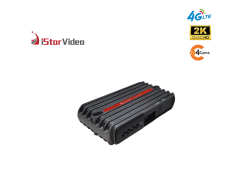
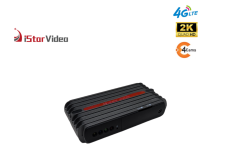
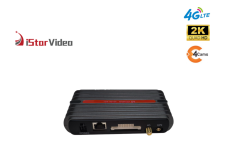
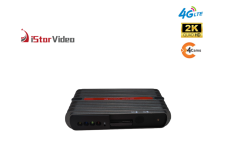
Configurable hardware rather than a fixed box. The road and cabin cameras are separate units on one recorder, which is what makes the platform practical to adapt: hardware configuration, camera arrangement and packaging can be adjusted to a buyer's specification instead of shipping as a single fixed bundle. Send over the target specification and we will confirm what can be changed on this 4G touchscreen dash cam and what stays standard.
Where this model fits in the range. This is the touchscreen model of our 4G cloud family, so it suits programmes where the driver or technician needs to see and touch the unit. If your programme calls for a different enclosure, no display, or a different channel arrangement, say so early and we will point you to the variant that matches rather than stretching this one past its design.
Branding and packaging. Packaging, labels and accessory sets can follow your own brand, which is the usual route for distributors and own-label programmes. Agree the artwork and the carton specification before production is scheduled.
See the hardware before you commit. We show these units at industry exhibitions and trade shows several times a year, and many buyers settle a specification after handling the product once. Ask your sales contact for the current catalogue and the model datasheet, and for the exhibition schedule if you would rather evaluate in person.
Ordering & Delivery
- Quantity and configuration. Send the vehicle count, the configuration for each vehicle group and any branding requirement. As a 4G dash cam manufacturer we quote against the actual build rather than a single list price.
- Minimum order quantity. Ask your sales contact for the current minimum on this model; it moves with configuration and packaging, so it is quoted per project.
- Lead time. Depends on quantity, configuration and whether packing is standard or branded. Ask for the current schedule against your delivery date before you commit a rollout to it.
- Samples. If you need to test on a vehicle first, ask your sales contact about sample availability and how a sample unit would be configured.
- Payment and shipping terms. Payment terms, Incoterms and the loading port are agreed per order; confirm them in the quotation so the cost lands where your finance team expects it.
- Packing. Units ship in standard export packing, or in shelf-ready or branded packaging when the order is specified that way. Confirm which you need at quotation stage.
- Data and platform costs. The SIM data plan and the CloudiCar account are running costs outside the hardware; ask how they are handled in your market before you budget a fleet.
- Approvals for your market. If your market requires particular documentation or approvals, raise it before the order is placed so it can be checked against the destination.
- After-sales. Ask what warranty and spare-unit terms apply to your order and region, and hold one commissioned spare per depot so a swap never waits on a return.
Scale & Supply Capability
We build in our own factory, with six production lines and a workforce of more than 100 people, which gives us a monthly output of 30,000 PCS for buyers who need volume without long waits. Around 50 engineers, most with over ten years in the field, run our OEM and ODM projects, and our in-house developers release new models every year. Tell us the branding, packaging and configuration you need, and we will plan production, stock and shipment around your order schedule.
FAQ
What happens to recording if the mobile network drops?
Recording continues on the memory card, so a tunnel, a depot with poor coverage or a rural dead zone does not leave a gap in the footage. Live view, notifications and cloud backup pick up again when the unit reconnects. For a cloud dash cam for logistics fleets that local fallback is the part that keeps the record complete on routes where coverage is patchy.
Can the same unit be fitted across a mixed fleet of vans, trucks and cars?
As a 4G dash cam manufacturer we supply mounting hardware and instructions that suit most cars and trucks, and the separate road and cabin cameras can be positioned around different cab layouts. Very small cabs, converted vehicles or trucks carrying a lot of factory telematics hardware on the glass are worth checking with our team before you order, so windscreen space and cable routing are settled first.
How should we handle driver privacy with a cabin camera?
The cabin camera records the interior in 1080P with infrared for low light, and its purpose is incident and security review rather than continuous supervision of the driver. Tell drivers the unit is fitted and set a written policy on when footage is viewed and who may view it; access to the live view and the event record runs through your CloudiCar account, so the account structure is where that control sits. Fleets using a 4G cloud dash cam settle this differently, and it is worth agreeing before the first unit goes in.
Will it work with the telematics platform we already run?
Live view and event clips are handled through CloudiCar on app or PC, and the unit is built to work alongside standard vehicle systems with built-in GPS tracking and alarm output. Whether data can be passed into the platform you already run depends on that platform's own integration. Share the platform name and the data you want to see with our team, and we will confirm what can be exchanged before you commit.