Product Overview
The iSV-E13 is a dual-channel dash cam with 4G cloud connectivity that watches the road and the cabin at the same time. One camera faces forward, one faces the people inside, and both record whenever the vehicle is running.
It suits operators who manage more than a handful of vehicles: taxi and private-hire fleets, distribution and logistics companies, corporate car pools, rental desks and security patrols. Where a card-only recorder makes someone walk out to the vehicle and pull the memory card after an incident, this unit can push the same event over 4G LTE to the CloudiCar platform, so the person reviewing it does not have to be in the same city, or even the same country.
In daily use there is nothing for the driver to operate. The recorder starts with the ignition, loops over the memory card and marks events as they happen. Live view, playback, alarm settings and device grouping are all handled from the app or the PC platform. Back at base the unit can join the yard Wi-Fi instead, which keeps mobile data use down.
- Taxi and private-hire fleets. The cabin camera settles the passenger disputes that otherwise become one person's word against another, and a 4G dash cam for taxi fleets also lets the operator check that a vehicle is where it should be during a shift. - Distribution and logistics. Depot-to-door work generates the most arguments: a late delivery, a damaged pallet, a route disagreement. Front and cabin footage plus location tags answer most of them without a meeting. - Corporate car pools. Pool cars get driven by many people. The device list shows which vehicle is out and where, and the footage shows who was in it when something happened. - Rental and leasing desks. Record the condition of the exterior and the interior at handover and again at return. The cabin camera makes that check quick and objective. - Security and patrol vehicles. Supervisors can watch a patrol live, speak into the cabin over two-way audio when something needs saying, and keep the event record afterwards. - Insurance and claims work. A dated, located clip from both cameras is far easier to work with than a description written the following day.
Key Features
- Two cameras, one record. The road camera captures true 2K while the cabin camera records 1080P at the same time, so a collision and what the driver did next sit in the same clip. As a dual-channel dash cam it covers the two places a dispute usually starts.
- Infrared cabin vision. The cabin camera carries its own infrared illumination, so the interior stays readable on a night shift or when the vehicle is parked on an unlit street.
- A wide road view. The ultra-wide lens reaches into the neighbouring lanes and along the kerb, not just the stretch of bonnet directly ahead.
- Two-way audio. A microphone and speaker in the cabin let a supervisor speak to the driver, or to whoever is inside a parked vehicle, without leaving the desk.
- An on-device touchscreen. Both feeds can be aimed and checked on the unit itself, which shortens an install and lets a driver confirm the cameras are working before setting off.
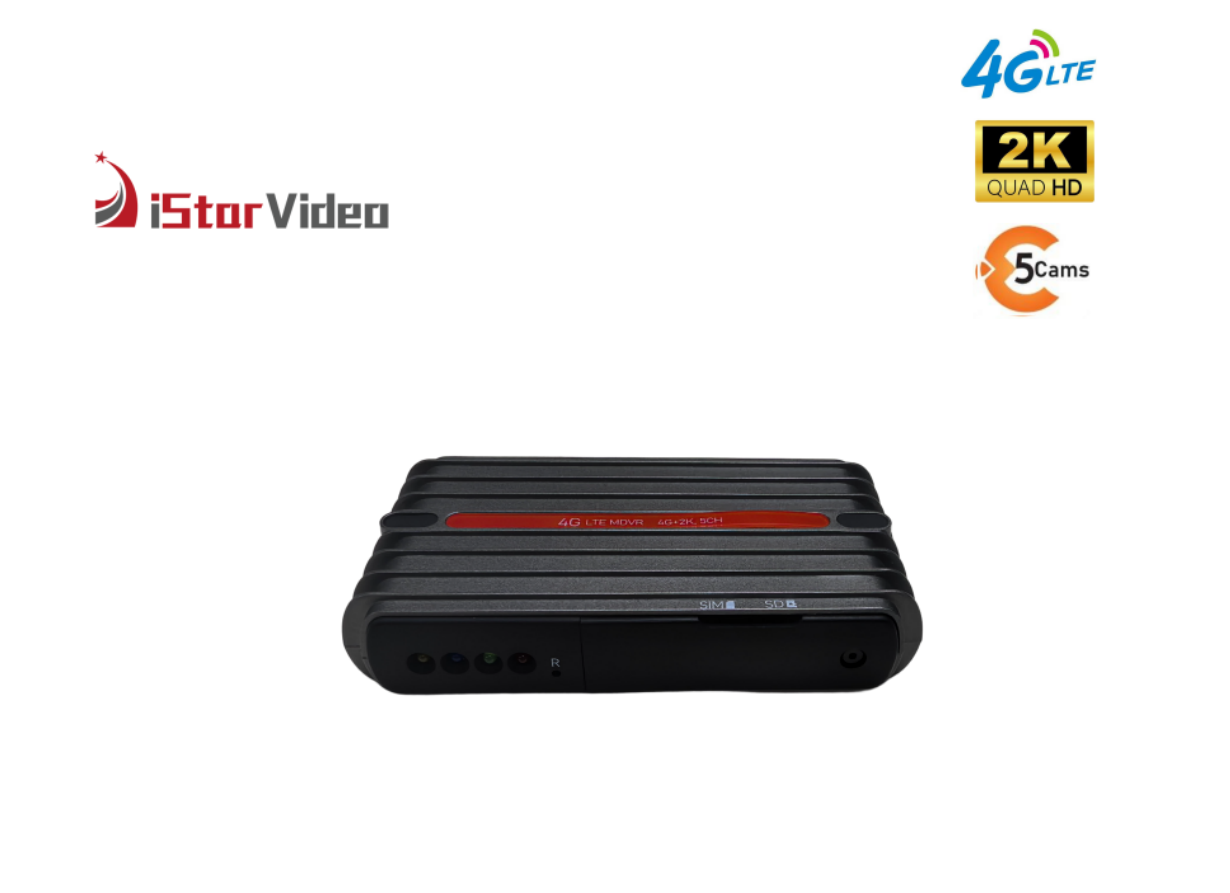
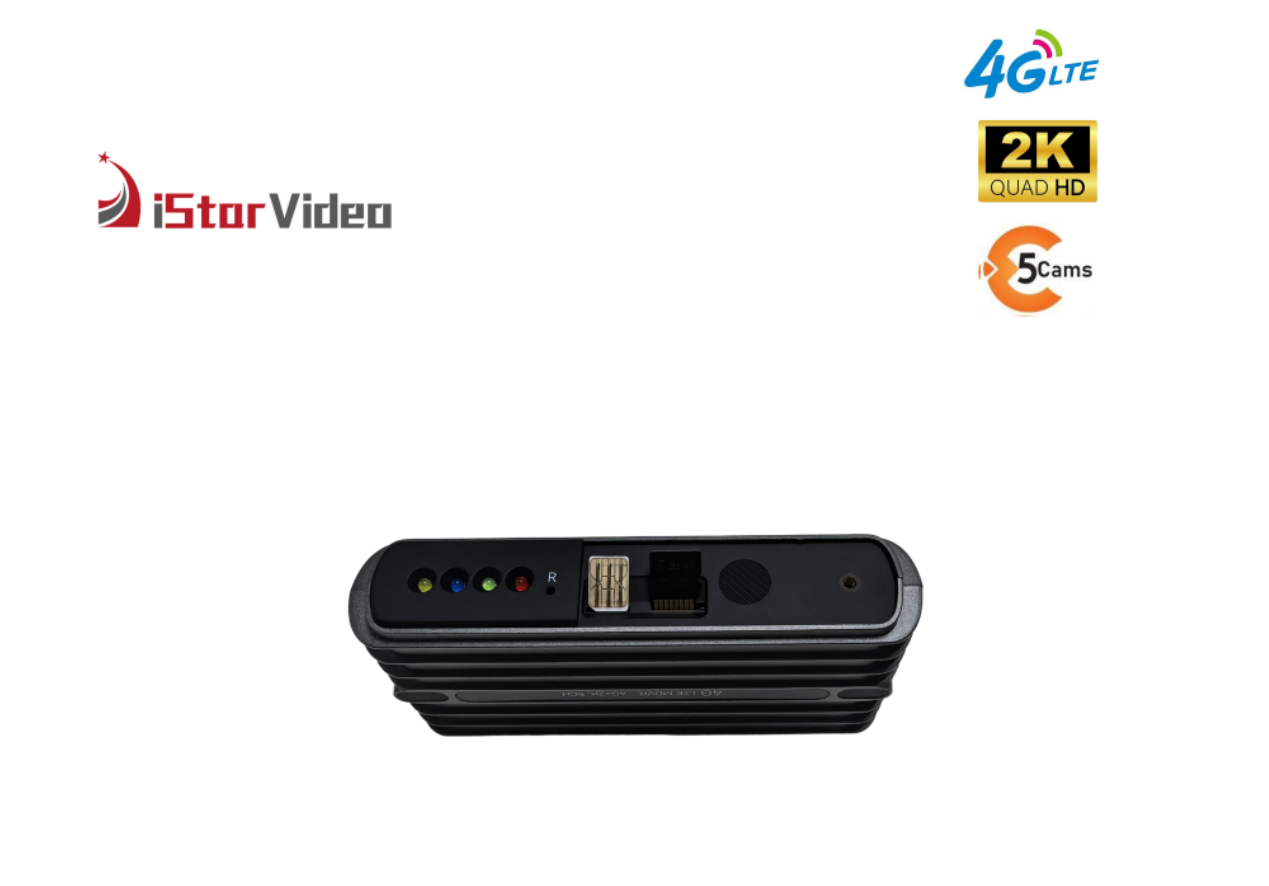
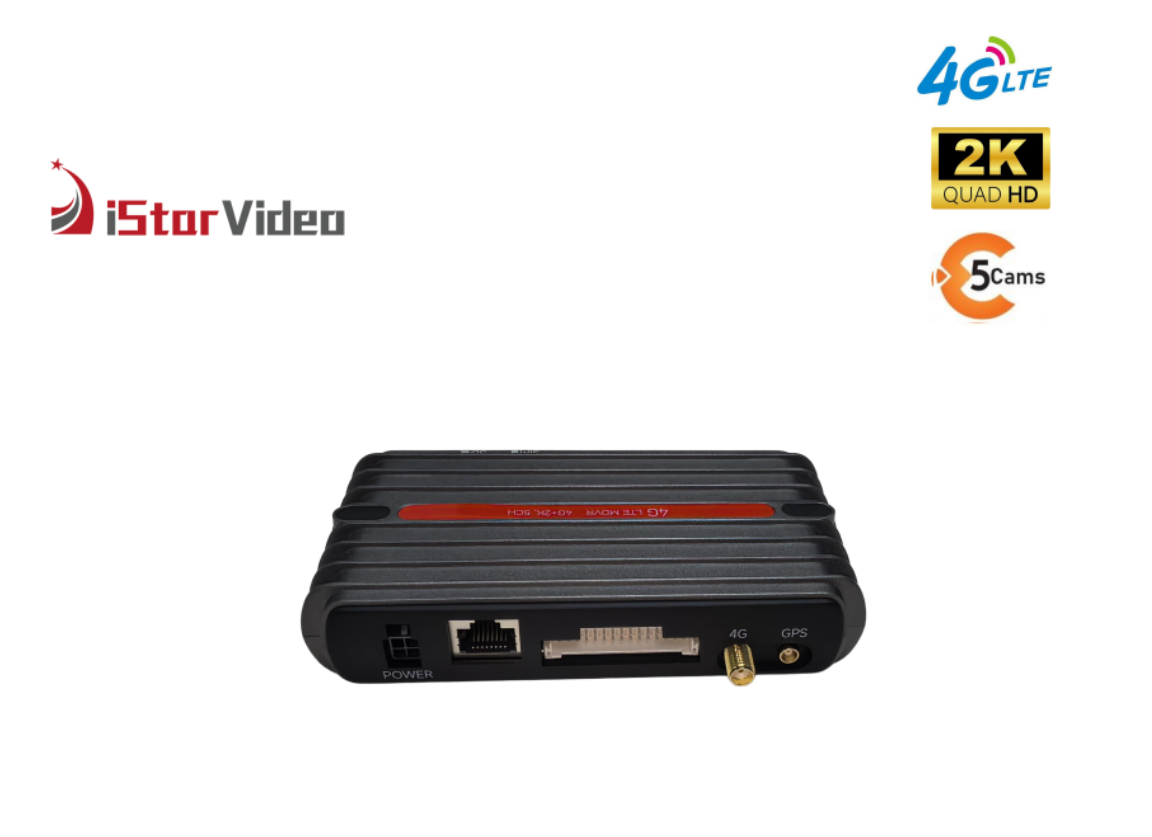
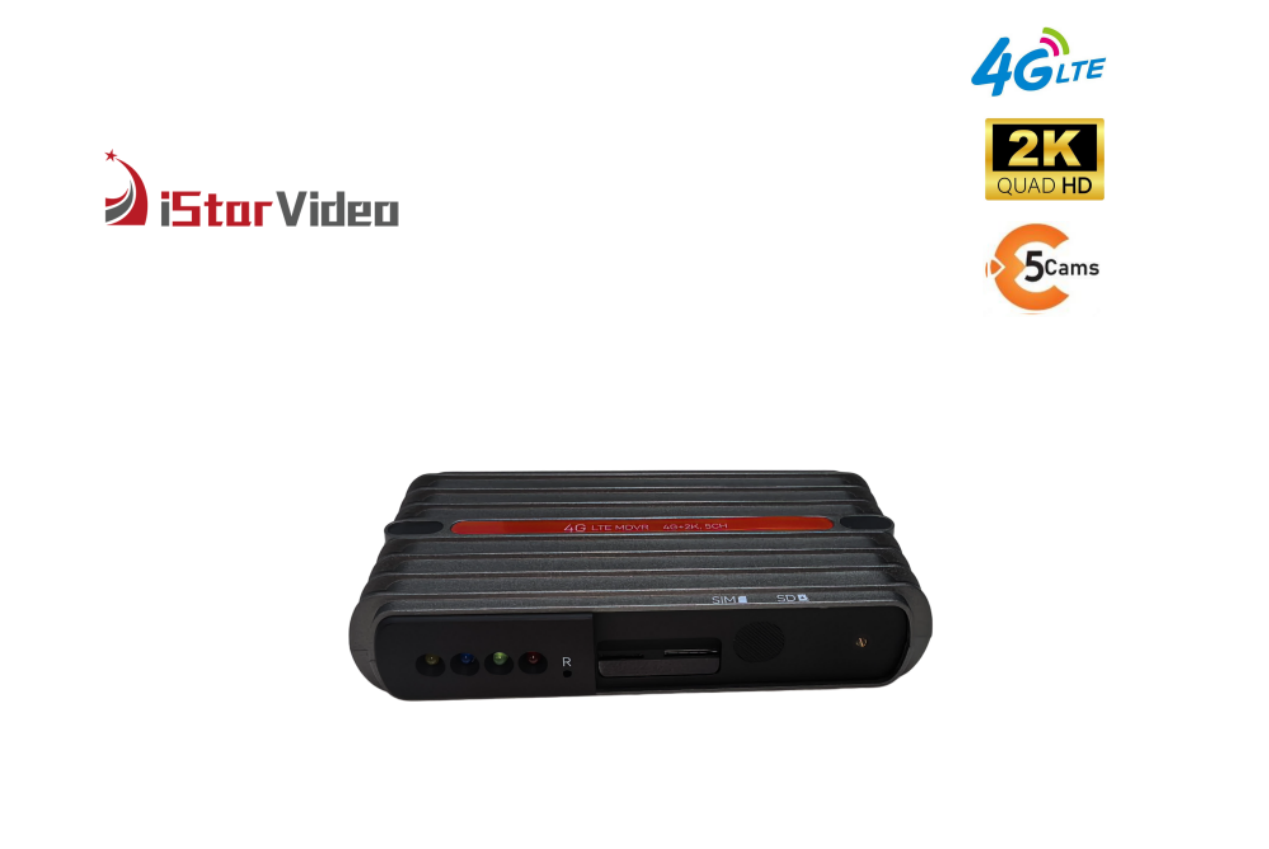
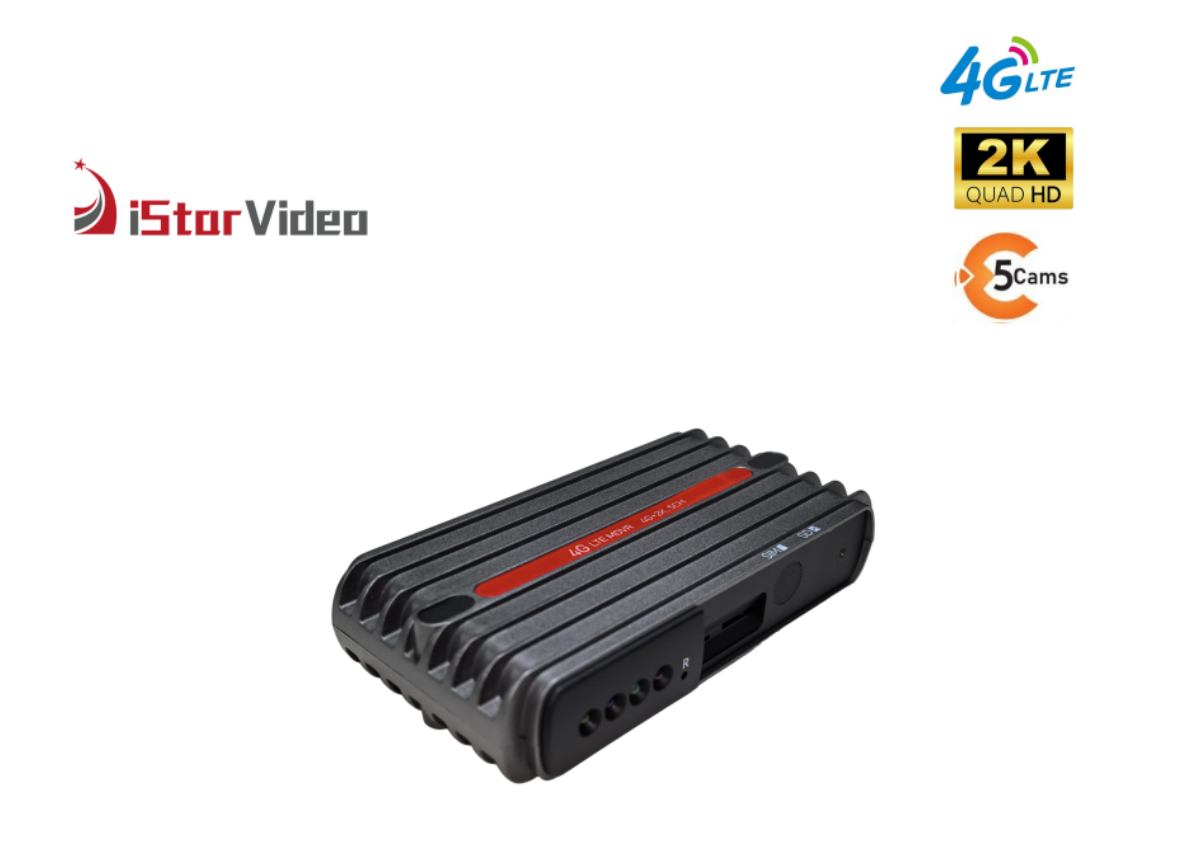
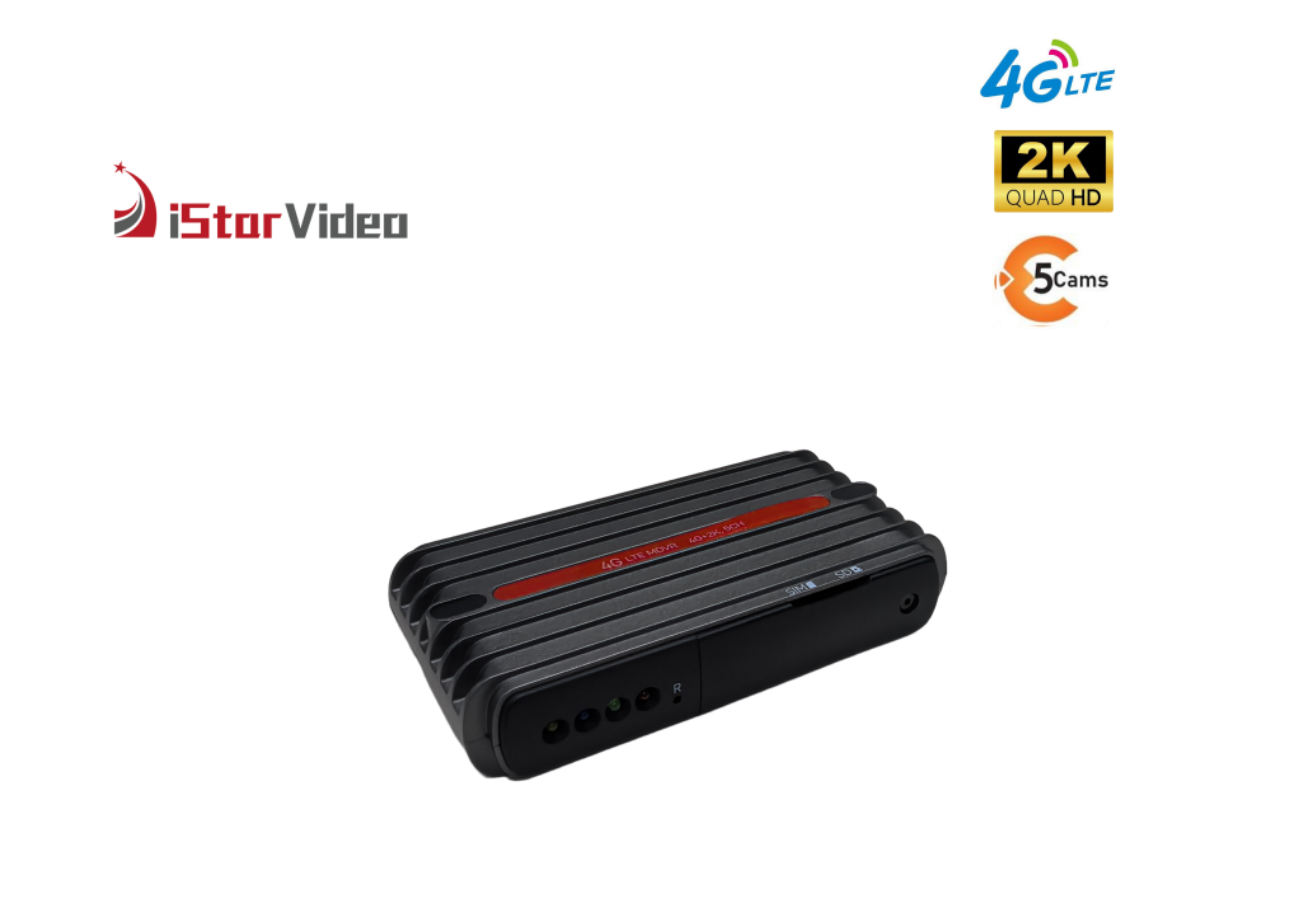
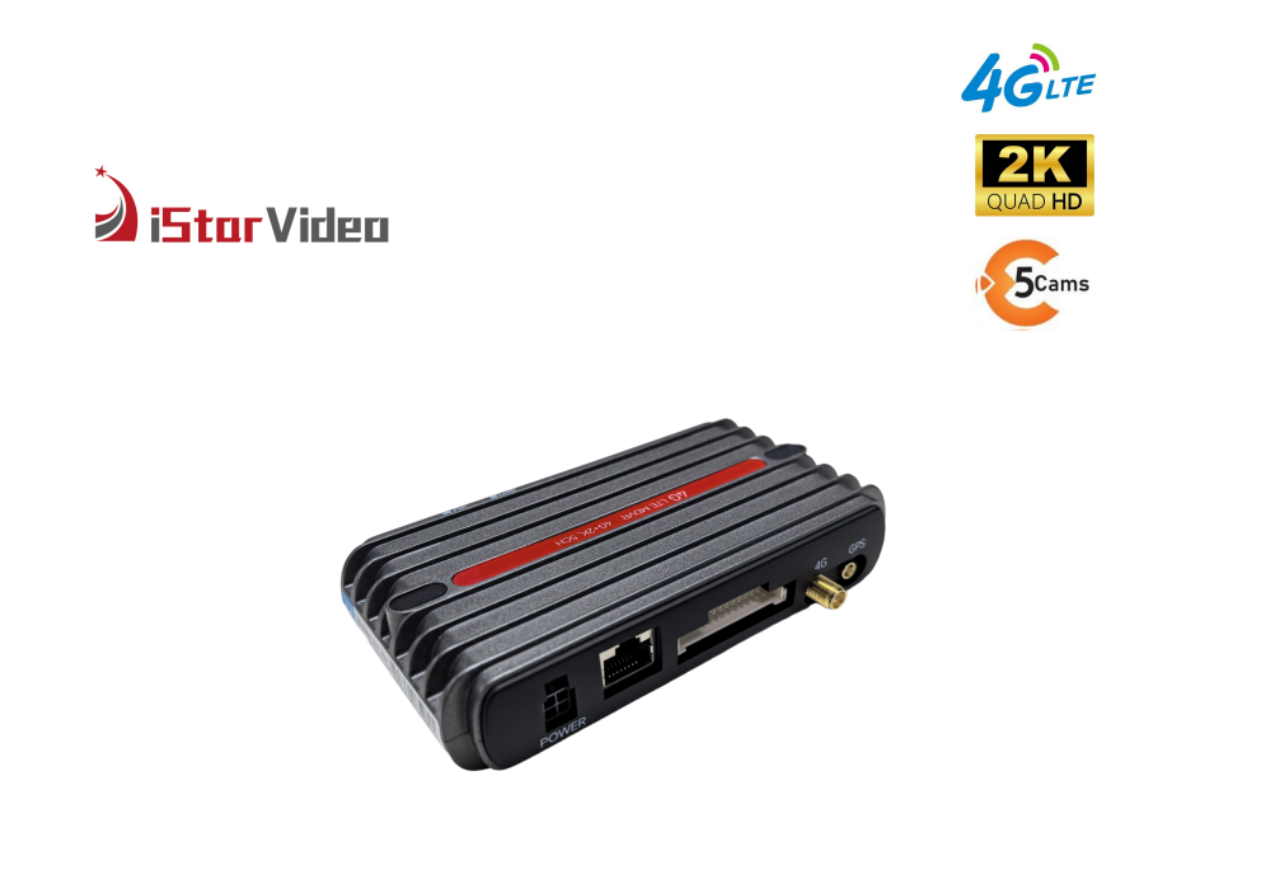
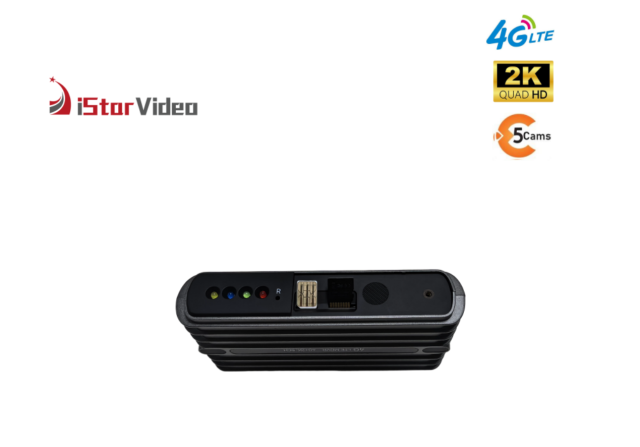
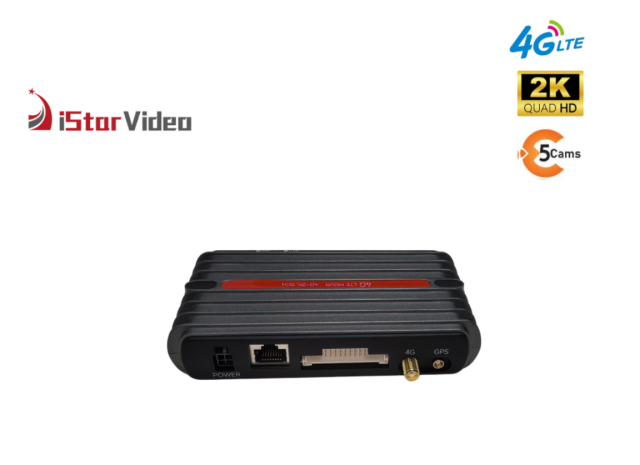
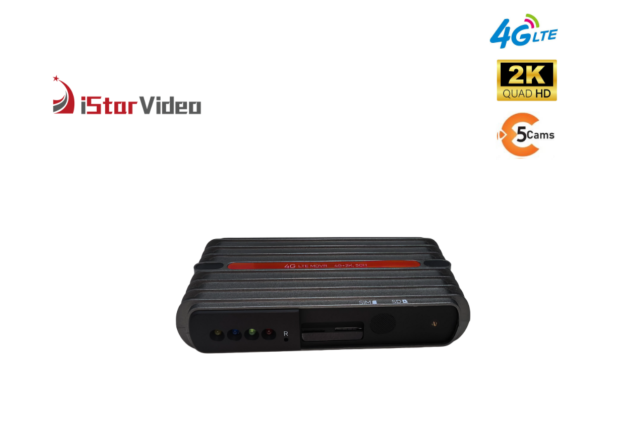
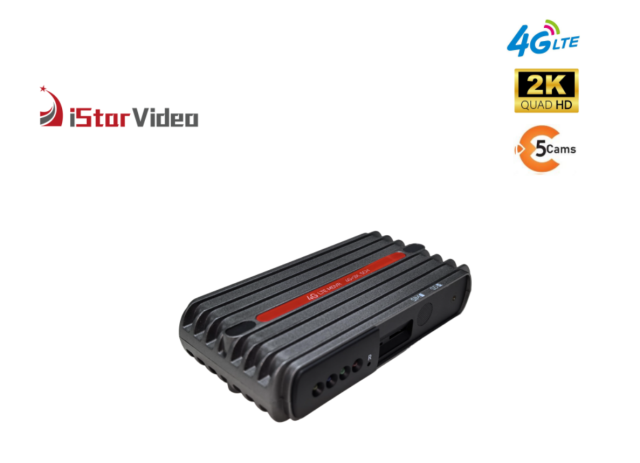
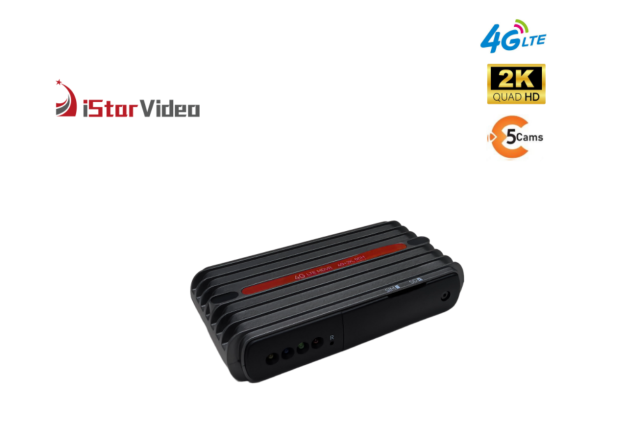
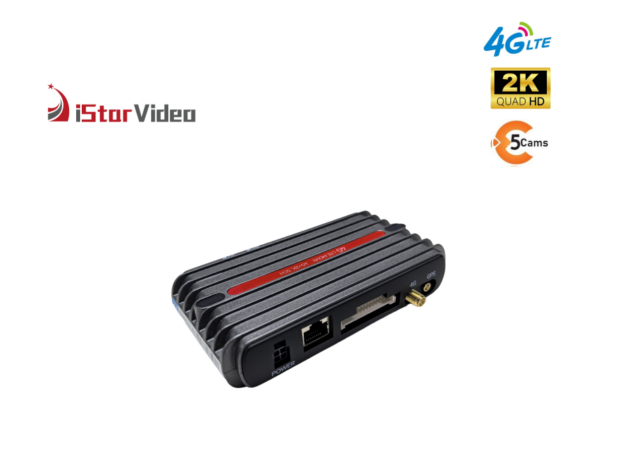
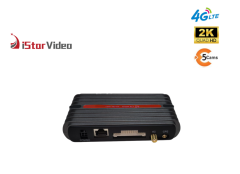
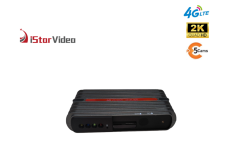
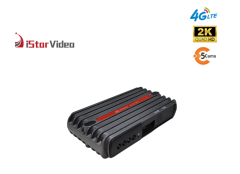
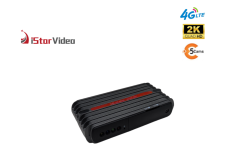
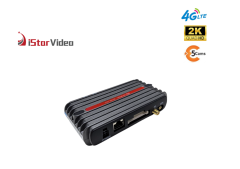
- Vehicle-rated housing. The recorder body is a black, ribbed heat-sink case with the SIM and memory card slots on the front panel and screw-on antenna connectors at the rear, built to sit behind a dash rather than on a desk.
Installation & Commissioning
- Plan both camera positions before touching the trim: the road camera high on the windscreen behind the mirror for the widest forward view, the cabin camera aimed at the driver's seat and the door passengers use.
- Mount both cameras with the supplied bracket and hardware, and route the leads along the existing loom where the trim lets you hide them. Separate front and cabin units make this easier on vans, MPVs and saloons alike.
- Insert the data SIM and the microSD card into the front-panel slots before applying power.
- Connect the antennas and the power lead, then switch on the ignition and confirm the unit powers up and the indicator lights come on.
- Aim both cameras and check each feed on the touchscreen. A minute spent here saves a return visit.
- Log in to CloudiCar, bind the device to the account and give it a name the control room will recognise, such as the registration number.
- Set the geofence, the over-speed threshold and the alarm recipients, then trigger a test SOS and confirm the alert arrives in the app.
- Record the installation in your asset register: which unit went into which vehicle, the SIM number and the date.
- For a fleet, take one vehicle through the whole sequence first. When you are deploying a 4G dash cam for taxi fleets across mixed models, that first install tells you which bracket, lead length and mounting height to standardise on before the rest of the vehicles are booked in.
Specifications
| Connection | 4G LTE and Wi-Fi |
| Front camera | True 2K |
| Cabin camera | 1080P with infrared night vision |
| Frame rate | 30 fps |
| Processor | AX620QZ ARM Cortex-A53, 1.2 GHz quad core |
| Operating system | Linux 4.19 |
| Video encoding | H.265 |
| Lens | 140° ultra-wide angle |
| Memory card | microSD, up to 256 GB |
| Live view | CloudiCar app and PC platform |
| GPS | GPS tracking with location tags |
| Image processing | WDR and super night vision |
| Power | Low battery protection |
4G & Non-4G Configurations
| Feature | With 4G | Without 4G |
|---|
| Dual-facing cam recording | Yes | Yes |
| Live view | Yes | No |
| Two-way talking | Yes | No |
| Instant notification | Yes | No |
| GPS location | Yes | Yes |
| Cloud | Yes | No |
| Video download | Yes, cloud clips over 4G and loop clips from the card | Yes, loop clips from the card |
Cloud Platform & Remote Monitoring
CloudiCar is where the fleet actually lives. Each vehicle appears as an entry in a device list with its status, and tapping through opens a live view you can switch camera by camera, road feed then cabin feed. A files and playback area holds recorded clips and event footage, a fence screen is where operating zones are drawn and edited, and a settings screen is where recording and alarm parameters are pushed to one unit or to a whole group at once.
Control rooms tend to run the PC version on a large screen while supervisors and managers use the phone app. Both reach the same devices and the same footage, so a dispatcher and an operations director looking at one incident are looking at one file.
The connection path matters less than the result. On the road the unit works over 4G LTE; in the yard it can switch to Wi-Fi and upload there instead. Both routes feed the same account, which means a 4G cloud dash cam in the fleet is managed exactly like every other unit on the platform: one login, one device list, one place to look when a driver calls in.
One operational note worth settling early. Because the cabin camera records the interior, agree a written policy with your drivers before roll-out. Recording and alarm parameters are set per device or per group from the platform, so the configuration can be matched to that policy rather than argued about afterwards.
If your control room already runs telematics software, review the platform before the hardware. Ask for a walkthrough of the device list, the fence screen and the playback tools, and check that the way we group vehicles matches the way you group them.
Alerts & Safety Monitoring
- SOS. A panic alert raised from the vehicle reaches the app with the vehicle identity and its location, so a supervisor knows which unit needs attention first.
- Anti-theft. With the vehicle parked and connected, the unit can raise an alert when the vehicle is disturbed. That is the difference between finding out at the next shift and finding out while it is happening.
- Geofence. Draw the depot, a customer site or a permitted operating zone on the map; entering and leaving both raise an event you can review later.
- Over-speed. Set a threshold per vehicle or per fleet policy, and the alert arrives with the speed and the position attached.
- Impact and driving events. The built-in G-sensor marks harsh braking, sudden acceleration and impacts, and those are the clips worth pulling first after a complaint.
- Parking monitor and time-lapse. When the vehicle is parked the recorder can keep watching, and time-lapse compresses long stationary periods into a short clip that is quick to scan before a shift starts.
- Low battery protection. The unit guards the vehicle battery, so a night of parked recording does not leave a driver with a flat battery in the morning.
- Where the alerts land. Alerts do not wait for someone to collect a memory card. They go to the platform, where they can be assigned, reviewed and kept with the rest of the vehicle's record.
Storage & Video Retrieval
Loop recording writes over the oldest material as the card fills, so the card always holds the recent past. Event footage is also pushed to the cloud over 4G. That copy is the safety net: if the card is removed, damaged or overwritten, the event clip is still on the platform. It is worth being precise about retrieval. Event videos held in the cloud need an active 4G data connection to download. Normal loop recordings live on the SD card and can be downloaded over Wi-Fi mode when the vehicle is back at base, with no mobile data involved. Practical notes from fleet installs: use a card rated for continuous recording rather than a general-purpose one, format it in the unit before first use, and never pull the card while the recorder is powered. If you need a long retention window, archive the clips you are likely to need rather than relying on the card alone.
OEM & ODM Configuration
Because the recorder is built as a modular platform, an OEM 4G dash cam programme can change more than the logo on the box. The road and cabin cameras are separate units on their own leads, so a van, a taxi and a coach can each take a mounting position that suits its windscreen and trim while the recorder body and the platform stay the same across the fleet.
On the hardware side we look at the camera configuration, the connectors you want exposed, and how the unit is packaged and labelled. On the software side, splash screens, default alarm thresholds, language and the way devices are grouped in the account are settled at the start of a project rather than after the first shipment.
For distributors and private-label brands, that means one platform can cover several vehicle types and price points instead of demanding a separate product line for each. We also meet buyers in person at the trade shows we attend through the year, which is the quickest way to look over the hardware before a volume order. Ask your sales contact for the current catalogue and a walkthrough of the configuration options that fit your programme.
Ordering & Delivery
- What is in the box. The recorder, the road and cabin cameras, mounting hardware and installation instructions. Confirm the exact kit list for the configuration you are ordering before the order is placed.
- Mobile data and platform account. Each unit needs a data SIM and a CloudiCar account before it can stream or back up footage. Confirm the plan, the data allowance and how the account should be structured with your sales contact, because these are arranged with the operator and are not shipped in the box.
- Ordering under your own brand. If you are commissioning an OEM 4G dash cam, settle artwork, packaging, labelling and the approval steps with your sales contact before production is scheduled, so the first run arrives with the branding already agreed.
- Quantity, lead time and payment. Confirm the minimum quantity for your configuration, the production lead time for that build and the payment terms that apply to your order. All three depend on the model mix and the destination.
- Certification and compliance documents. Tell your sales contact which documents your market requires before the order is placed, so the paperwork can be prepared alongside production.
- Packing and shipping. Confirm the export packing and the shipping terms for your destination. Packaging is normally agreed together with the OEM artwork rather than after the production date is fixed.
- Spares and after-sales. Agree how many spare units, brackets and leads you want to hold, and confirm the warranty and repair arrangements that apply to your order.
- Samples. Ask your sales contact about sample availability before you commit to a first production run.
Scale & Supply Capability
We build in our own factory, with six production lines and a workforce of more than 100 people, which gives us a monthly output of 30,000 PCS for buyers who need volume without long waits. Around 50 engineers, most with over ten years in the field, run our OEM and ODM projects, and our in-house developers release new models every year. Tell us the branding, packaging and configuration you need, and we will plan production, stock and shipment around your order schedule.
FAQ
What can we actually see and do from the monitoring platform?
Each vehicle appears in a device list, and from there you can open a live view and switch between the road and cabin cameras, browse recorded clips and event footage, edit geofences on the map screen and push recording or alarm parameters out to a single unit or a whole group. The PC version suits a control room on a large screen and the phone app suits supervisors in the field; both reach the same devices and the same files, so nobody is working from a second-hand account of what happened.
How much video can we keep, and how do we get a clip out after an incident?
A microSD card of up to 256 GB sits in the front slot, and loop recording writes over the oldest material so the card always holds the recent past. Event clips are also copied to the cloud over 4G. To retrieve footage, cloud-held event videos download over an active 4G data connection, while ordinary loop recordings come off the SD card over Wi-Fi mode once the vehicle is back at base. Because this is a dual-channel dash cam, size the card for two streams rather than one.
Our vehicle types are mixed. Will the cameras fit, and how long does an install take?
The road and cabin cameras are separate units on their own leads, which is what makes mixed fleets workable: the recorder body goes where there is room behind the dash, and each camera takes a position that suits that windscreen and trim. Mounting hardware and instructions are supplied and suit most cars and trucks. Send us photographs of the interior and the intended mounting points and we will tell you which bracket and lead length we would use; a single vehicle usually goes through in one sitting, and the first install sets the standard for the rest of the fleet.
Can the hardware and the software be tailored to our own brand?
Yes. Camera configuration, the connectors you want exposed, labelling and packaging are all discussed as part of an own-brand programme, and on the software side so are splash screens, default alarm thresholds, language and how devices are grouped in the account. Because it is one modular platform, the same base unit can cover several vehicle types and price points. Bring your specification to your sales contact and we will confirm what is achievable and what it changes.
What happens when a vehicle drives out of network coverage?
Recording continues on the memory card and the alarms are logged locally, so nothing is lost from the vehicle's own record. Live view, instant notification and the cloud copy need a connection and resume once the vehicle is back in coverage or back on the yard Wi-Fi. In practice, match the data plan to the routes your vehicles run and to how much live viewing the control room genuinely does.
How is this model different from the Wi-Fi-only version in the range?
The configuration comparison sets it out plainly: both versions record front and cabin, and both carry GPS. The 4G version adds remote live view, two-way talking, instant notification and cloud storage, which is what turns the recorder from something you check after the event into something you can watch while it is happening. If your vehicles never leave a yard with Wi-Fi, the simpler version may be enough. If you are running a 4G dash cam for taxi fleets or any distributed fleet, take the 4G version.