Product Overview
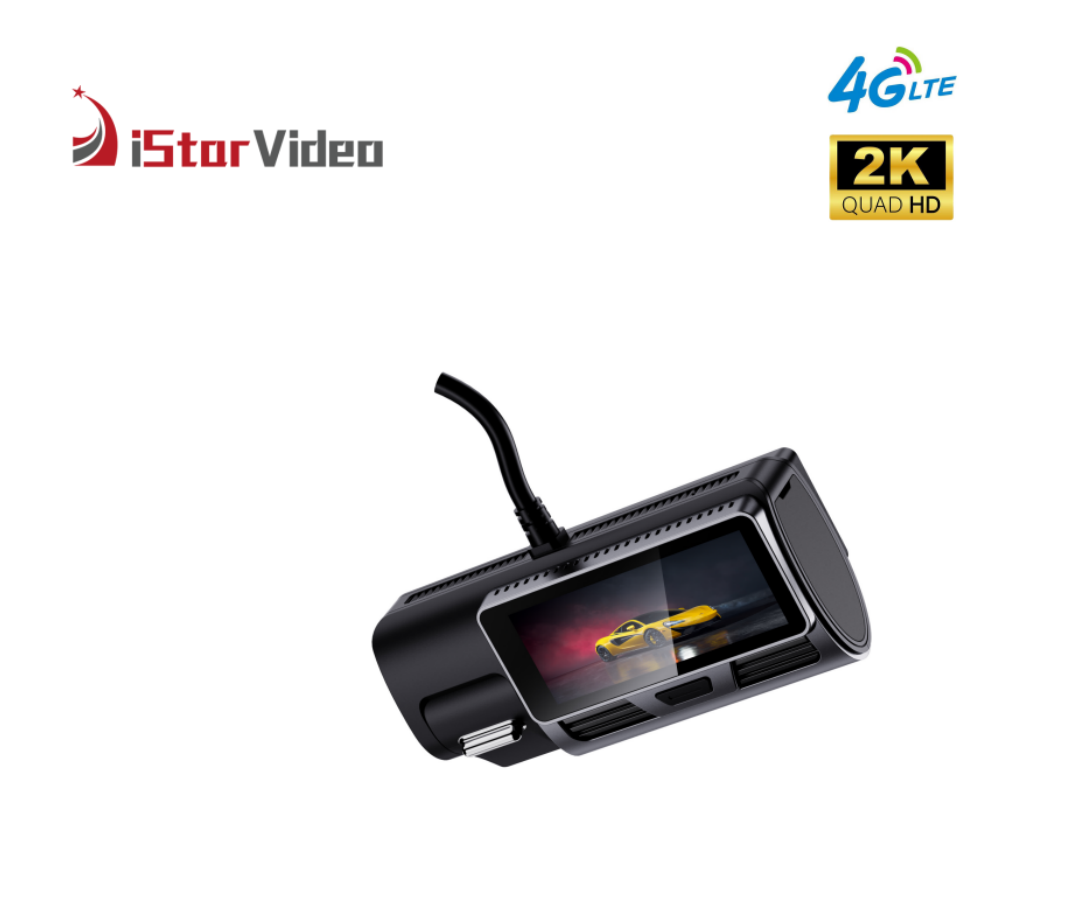
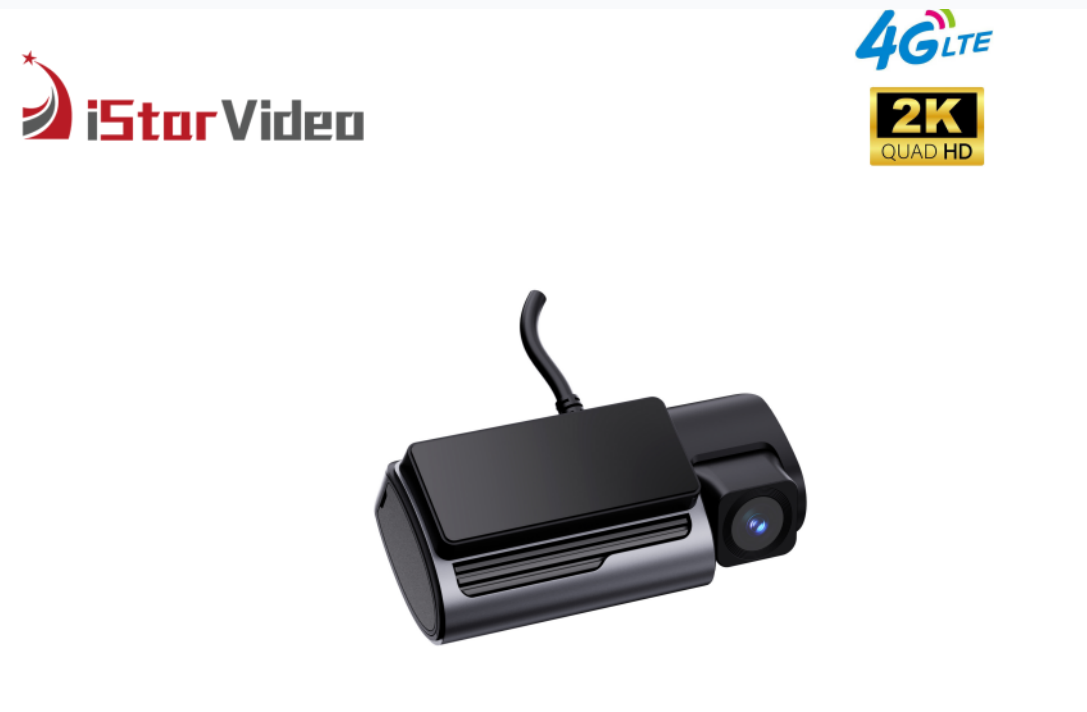
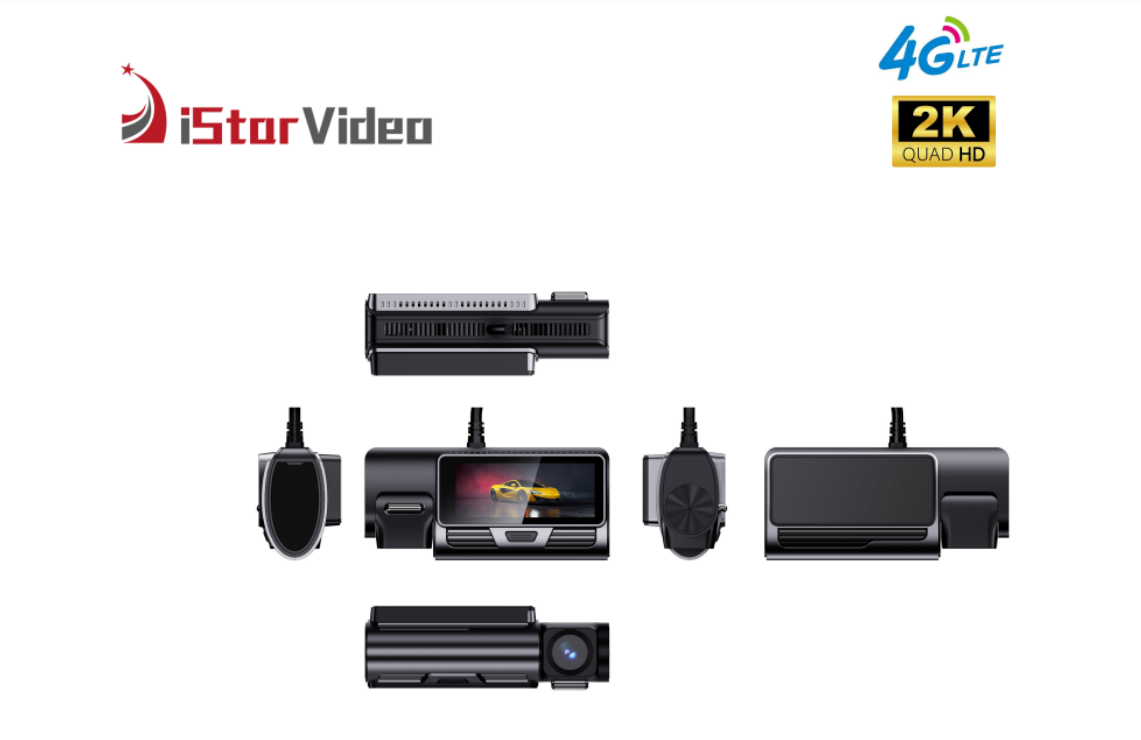
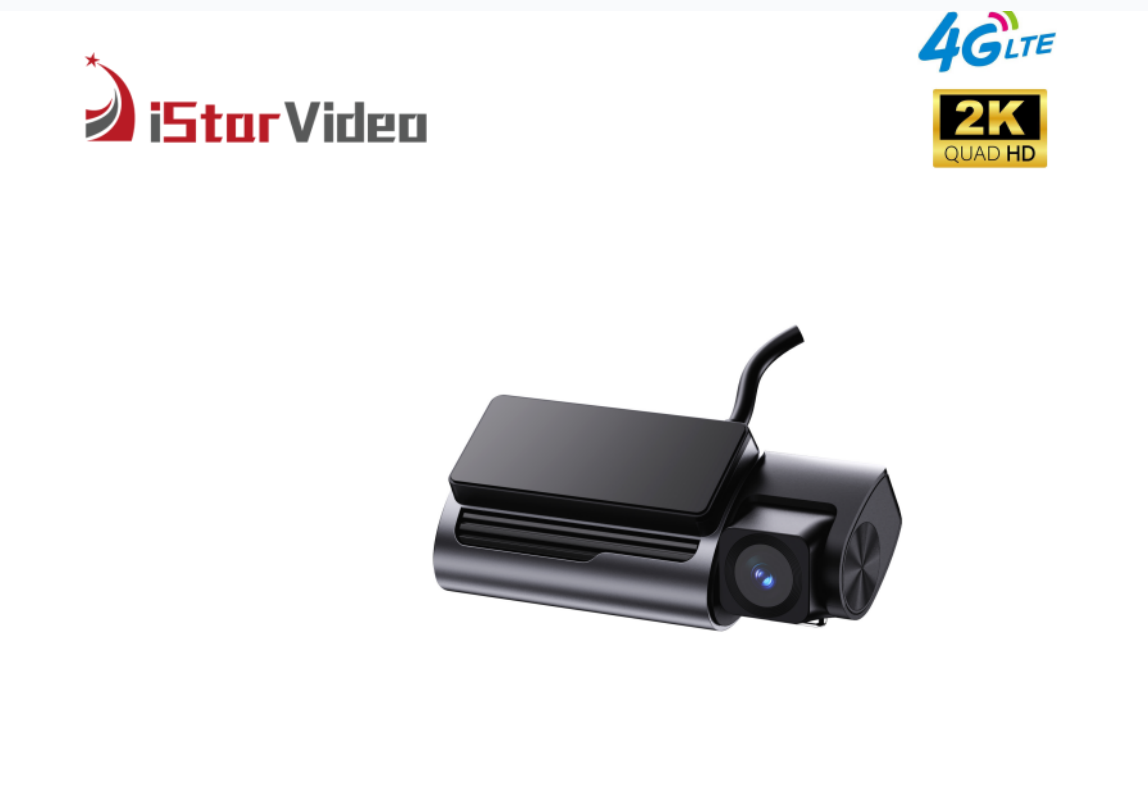
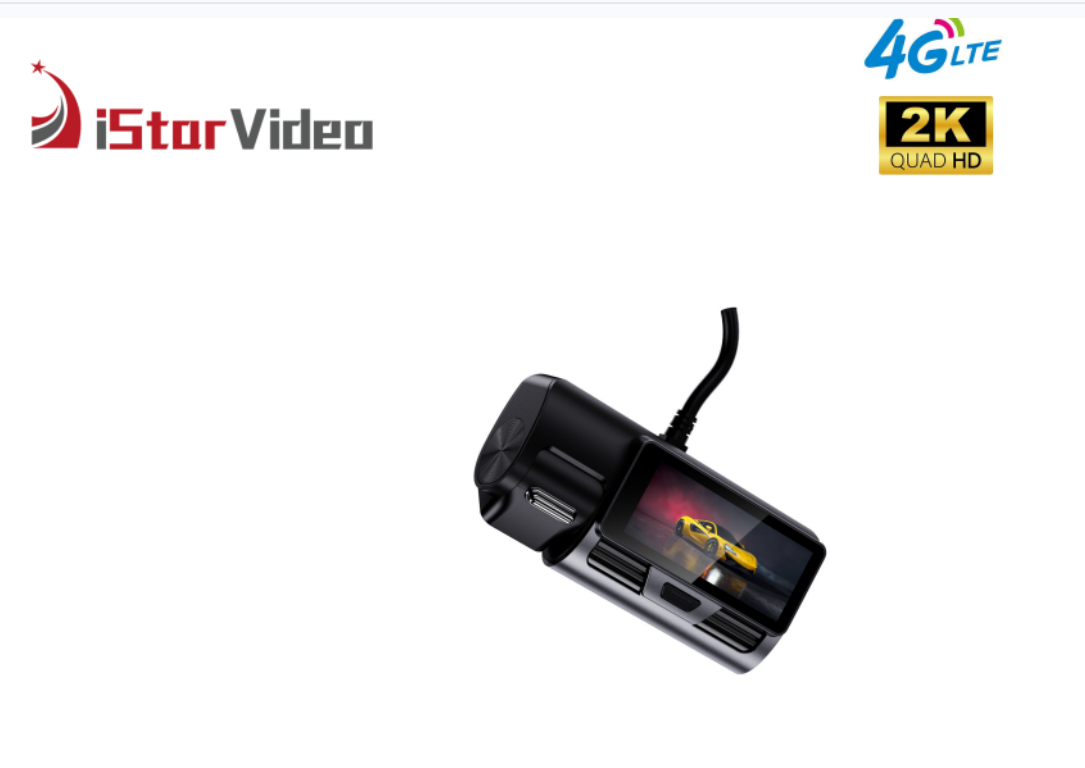
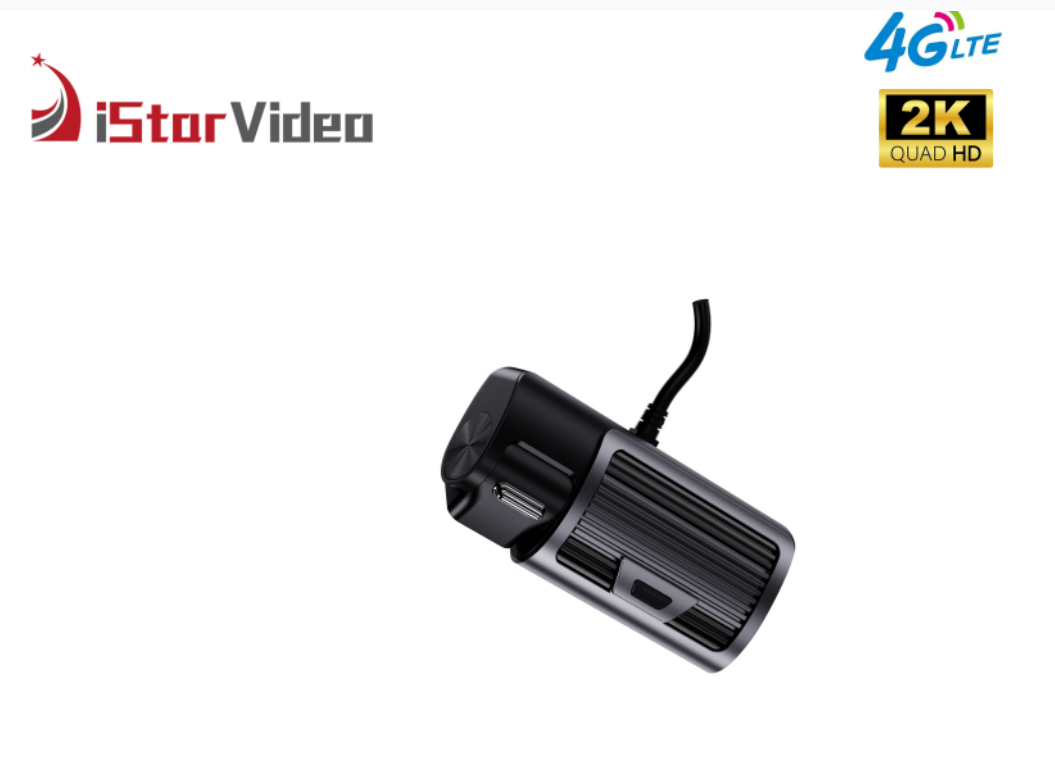
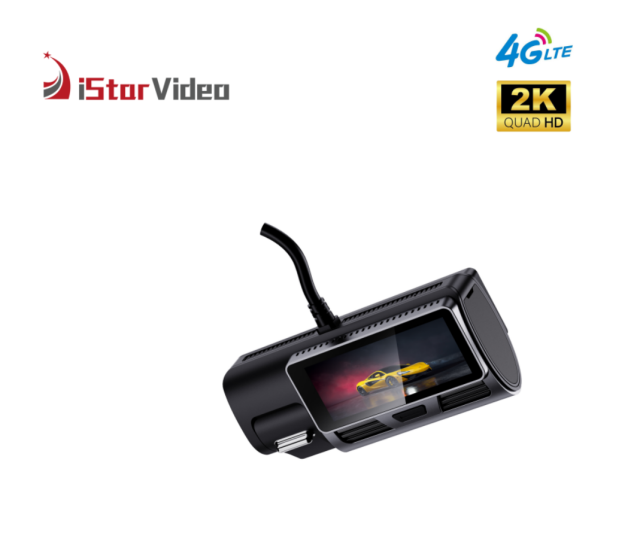
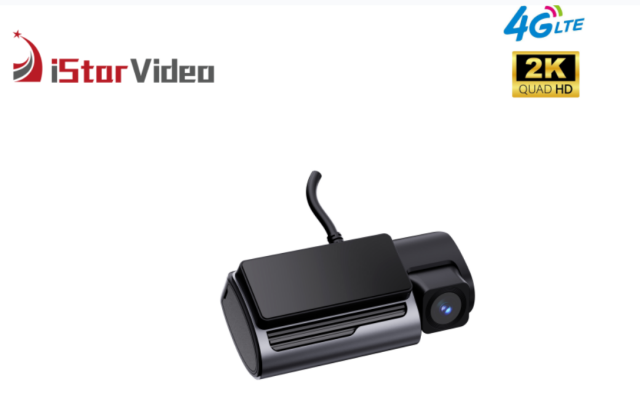
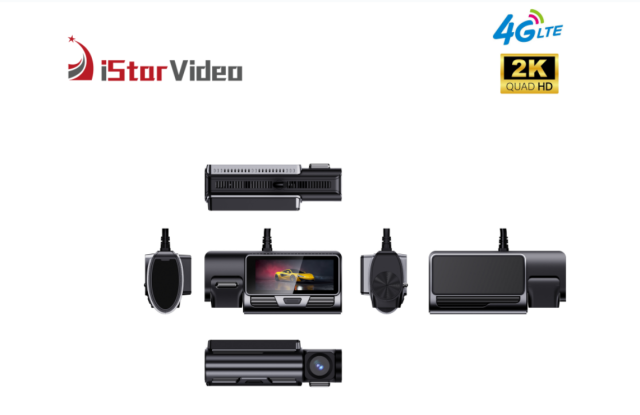
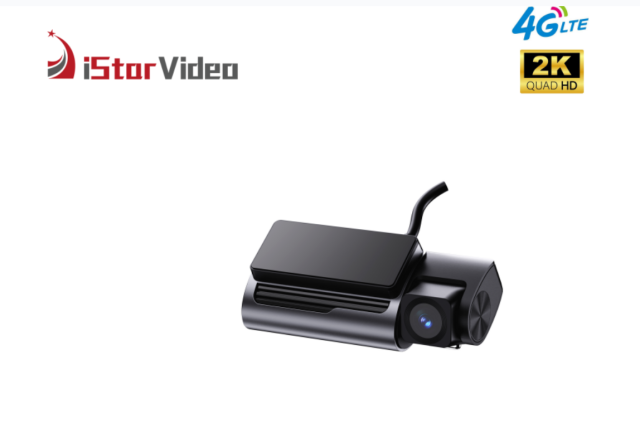
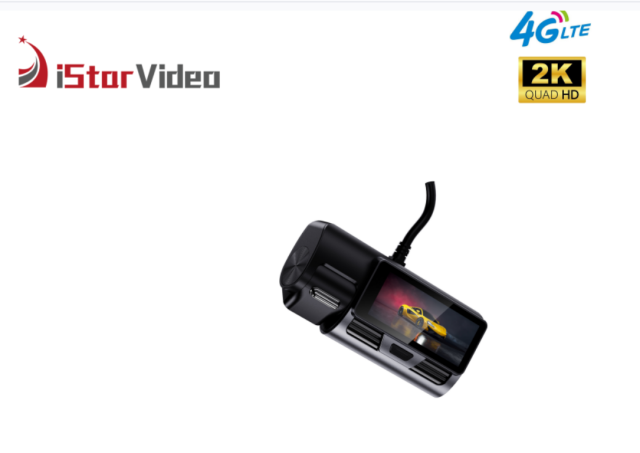
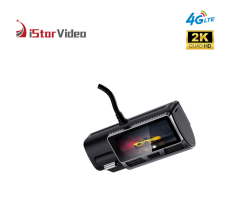
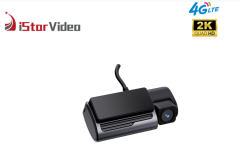
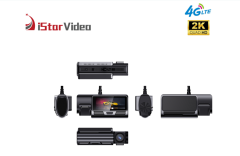
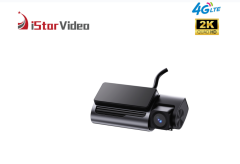
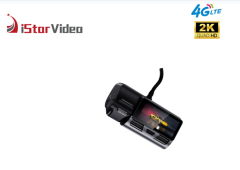
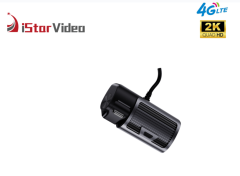
Two cameras in one housing, recording at the same time: a road-facing camera at true 2K and an infrared cabin camera at 1080P. That dual-channel dash cam arrangement means one unit on the windscreen captures what happened on the road and who was in the vehicle at that moment, with no second device, second power cable or second memory card to look after. A built-in display lets an installer or driver confirm the aim and replay a clip on the spot. Connectivity is what turns it from a recorder into a management tool. Recording stays local first. Loop files are written to a microSD card of up to 512GB, event clips can also be kept in the cloud, and GPS tracking is built in rather than added as a separate module. The iSV-D6Plus sits in our dual-channel-with-screen series. As a fleet dash cam supplier we build to the specification on your order, so check the configuration line on your tender or purchase order against what you actually need — card size, cable type, mounting kit and branding are set per order. For a GPS dash cam for fleet monitoring, it is the combination of front and cabin evidence, position data and alerts that operations teams end up using every day. - Dual-facing recording in one unit. A true 2K road camera and a 1080P infrared cabin camera record together, so an incident clip shows the road ahead and the cabin in the same timeline. - Live view without visiting the vehicle. As a 4G LTE dash cam it streams to the app or the PC platform from anywhere with mobile coverage, and can be reached over Wi-Fi when the vehicle is back at base. - Two-way audio. Speak to the driver, check on passengers, or make your presence known to someone standing near a parked vehicle — the link runs through the same LTE connection. - Alerts that arrive on their own. Event notifications are pushed to the app when the unit reports them, so nobody has to go looking for a problem at the next card download. - Built-in screen. Aim both lenses, confirm both channels are live and replay a clip at the vehicle without opening the app. - Wide, usable footage. The 140° lens takes in the lane beside the vehicle as well as the lane ahead, WDR evens out bright headlights and dark shadows, and super night vision keeps the cabin readable after dark.
Camera Coverage & Night Vision
The road camera records in true 2K at 30 frames per second through a 140° ultra-wide lens, which takes in the lane beside the vehicle as well as the lane ahead — the difference between catching a lane change and missing it. Footage is processed across a wide brightness range, so a number plate in shadow is not lost when a headlight fills the rest of the frame.
The cabin camera records at 1080P and uses infrared illumination, so the cabin stays readable after dark or in a covered yard. That channel is what shows who was driving, how many people were in the vehicle, seatbelt and phone use, and the condition of a rental before and after handover — the questions a road camera alone cannot answer.
On a dual-channel dash cam the cabin lens is the one that gets forgotten during installation. Aim it to see the full cabin rather than the back of the driver's headrest, and check both channels on the built-in screen before the trim goes back on. Super night vision and WDR work together here: one keeps the image usable in low light, the other stops a bright shop sign or an oncoming headlight from wiping out the detail you need.
The G-sensor adds the last piece. It tags an impact as an event, so review starts at the right clip instead of an hour of ordinary driving.
GPS Tracking & Alarm Functions
- Live position on a map. Dispatch can see where a vehicle is before calling the driver, and tell whether a late delivery is a traffic problem or a routing one.
- Geofence alarms. Draw a depot, customer site or operating boundary; entering or leaving it raises an alarm, so out-of-area trips surface without anyone watching a screen.
- Over-speed alarms. Set the threshold to match your speed policy per vehicle type instead of applying one blanket rule to a mixed fleet.
- SOS alarm. A driver-triggered alert for an emergency — the alarm nobody wants to test and the one a safety programme must be certain about.
- Anti-theft and parking monitoring. With parking monitor on, movement or impact around a parked vehicle is recorded and reported, which covers overnight yards and roadside stops.
- Low battery protection. Long parking periods are handled without flattening the vehicle battery.
- One alert stream. Position, alarms and notifications sit in the same app, so a control room does not juggle several tools to answer one question.
- Rules you can tune. Thresholds and fence boundaries are set per vehicle or per group, so a depot manager and head office can work from the same alerts.
- Why it matters commercially. For a 4G GPS dash cam, the value is not the map itself — it is that the right person hears about the exception in time to act on it.
Video Storage & Retrieval
Recording is continuous: the unit loops over the microSD card, up to 512GB, and writes over the oldest files once the card is full. Size the card to the review window you actually work with rather than to the largest card the device accepts — a card holding a week of driving is usually more useful than one holding months of files nobody opens.
H.265 compression keeps file sizes down at the same resolution, which is what makes a large card practical and what keeps uploads manageable over a mobile connection. Cloud copies matter for events: on a 4G GPS dash cam, a clip saved to the cloud survives the card being overwritten, swapped or damaged.
Card handling is where most fleets lose footage. Use endurance-rated cards, format each card in the device it will live in, and avoid moving cards between vehicles; a periodic health check and a planned replacement cycle cost far less than a missing week of video. Leave the card in the unit and treat the cloud as the copy you can reach from the office.
The built-in screen is the fastest check of all — replay the last few minutes at the roadside without opening an app. For anything that may become a claim, archive the clip into your own case folder the same day, while the position data and both camera views still line up.
4G vs Non-4G Comparison
| Feature | With 4G | Without 4G |
|---|
| Dual-facing camera recording | Yes | Yes |
| Live view | Yes | No |
| Two-way talking | Yes | No |
| Instant notification | Yes | No |
| GPS location | Yes | Yes |
| Cloud | Yes | No |
| Video download | Yes | Memory card and Wi-Fi transfer only |
| Remote clip retrieval | Event footage pulled over the air from the app or PC platform | Card removed and files copied on a computer |
| Alarm delivery to phone | Geofence, over-speed and SOS alerts arrive as they happen | Alarms stay with the vehicle, with no remote push |
| Multi-vehicle overview | Several vehicles reviewed together in one platform view | Each vehicle visited and checked on site |
| Data plan | An active SIM and data plan needed for remote functions | No data plan required |
| Signal dependency | Remote features need mobile coverage where the vehicle operates | Recording carries on regardless of coverage |
Installation & Commissioning
- Check the kit before the vehicle arrives. Mounting hardware and fitting instructions ship with the unit; confirm cable type, card size and branding against your order first.
- Choose the mounting point. High on the windscreen, inside the wiper sweep, with the lens clear of the tint band and away from mirror sensors — and make sure the cabin lens can see the whole cabin.
- Plan the cable route. Headliner, A-pillar trim, then down to the fuse box or 12V socket, staying clear of airbag zones.
- Fit the memory card and the data SIM before first power-up, and format the card in the device it will stay in.
- Power on and aim with the built-in screen, checking that both channels are live and level with the road.
- Bind the device to the platform. Log in to the app with the device identifier, confirm live view and map position, and check that the SIM data plan and access settings allow the 4G LTE dash cam to stream.
- Set the rules for that vehicle: geofence, over-speed threshold, parking monitor and who receives notifications.
- Run a test and record the result. Trigger a short event, confirm it appears in the app, then repeat the same sequence on every vehicle so footage and alerts are comparable across the fleet.
Fleet Use Scenarios
- Logistics and distribution. When a customer disputes a delivery, the front clip shows the approach and the cabin clip shows the handover, with position data fixing the time and place.
- Rental and leasing. Record condition and occupancy at handover and return; arguments about damage or an additional driver are settled from one timeline instead of one account of events.
- Corporate and company vehicles. Duty-of-care programmes and driver coaching get footage of what actually happened, including the cabin view a road-only camera cannot supply.
- Security and patrol vehicles. Parked monitoring, live view and two-way audio let a control room check a vehicle in a yard and warn off anyone standing near it.
- Passenger transport and shuttle operations. Cabin audio and video help resolve complaints about conduct, fares or the number of passengers carried.
- Insurance and claims support. A sequence of road footage, cabin footage and GPS position is far easier for a claims handler to work with than a single forward view. This is the everyday case for a 4G GPS dash cam in a mixed commercial fleet.
Specifications
| Specification | Detail |
|---|
| Product type | 4G dual-channel car DVR with built-in display |
| Front camera | True 2K, 30 fps |
| Cabin camera | 1080P with infrared night vision |
| Lens coverage | 140° ultra-wide angle |
| Processor | AX620QZ ARM Cortex-A53 quad-core, 1.2 GHz |
| Operating system | Linux 4.19 |
| Video compression | H.265 |
| Image processing | WDR, super night vision, G-sensor |
| Network | 4G LTE and Wi-Fi |
| Remote access | Live video and playback through the mobile app or PC platform |
| GPS | Position tracking with geofence, over-speed, SOS and anti-theft alarms |
| Storage | microSD up to 512GB, plus cloud storage |
| Recording modes | Loop recording, parking monitor, time-lapse |
| Power protection | Low battery protection |
Fleet Rollout & Ordering
- Confirm the build before ordering. Card size, cable type, mounting hardware and branding are set per order, so check the configuration line on the quotation against the vehicles you are fitting.
- Ask about samples and current lead time. Your sales contact can confirm sample availability and the production slot for your quantity before you commit to a rollout date.
- OEM/ODM projects. Logo, packaging, interface language and model naming can be tailored to your programme — send the requirement and we will scope it before the order is placed.
- Volume and schedule. As a fleet dash cam supplier we work to a production plan, so the earlier you share how many vehicles per month you are fitting, the more accurately we can confirm build slots and shipment dates.
- Spares and after-sales. Agree a spare-unit ratio for the fleet and confirm the warranty terms that apply to your order in writing before shipping.
- SIM, data and cloud. The data plan comes from your mobile operator, so confirm coverage and running cost with them, and confirm the cloud storage terms with us.
- Telematics fit. Tell us which platform or reporting workflow you already run and we will confirm how device data can be used alongside it.
- Documentation and trade shows. A datasheet and catalogue are available for your approval pack, and we attend industry trade shows through the year — ask which ones are next if you would rather see the hardware in person.
Scale & Supply Capability
We build in our own factory, with six production lines and a workforce of more than 100 people, which gives us a monthly output of 30,000 PCS for buyers who need volume without long waits. Around 50 engineers, most with over ten years in the field, run our OEM and ODM projects, and our in-house developers release new models every year. Tell us the branding, packaging and configuration you need, and we will plan production, stock and shipment around your order schedule.
FAQ
What connectivity options are available for remote monitoring?
The unit carries both 4G LTE and Wi-Fi. Over LTE it streams live video to the CloudiCar app or the PC platform from anywhere with mobile coverage; over Wi-Fi it can be reached on a depot network, which is useful when a vehicle is back at base and you want a stable check without using mobile data. Day-to-day management — live view, position, alarm notifications and two-way audio — runs on the LTE side of this 4G LTE dash cam.
Can the camera keep recording when there is no 4G signal?
Yes. Loop recording runs on the memory card inside the vehicle, so the road and cabin cameras keep capturing while the vehicle is out of coverage or the SIM is not active. What needs the data connection is the remote layer: live view, cloud copies of event clips, position reporting and push alerts. The card still holds the local recording, and those cloud features are available again once the connection returns — which is why a GPS dash cam for fleet monitoring is normally paired with a sensibly sized card rather than relying on the cloud alone.
How do we get footage off the unit?
Two routes. Event clips saved in the cloud need a 4G data connection to download, so pull them through the app while the vehicle is in coverage. Loop recordings written to the memory card can be downloaded in Wi-Fi mode, or the card can be removed and read on a PC. Use the card for long reviews and the cloud route for a quick check after an alert.
What is the built-in screen for if we manage everything from the app?
It keeps the work at the vehicle fast. An installer can aim both lenses and see the result immediately, a driver or supervisor can replay the last few minutes during a roadside discussion or a depot inspection, and a technician can confirm both channels are recording before the vehicle leaves. No phone, no login, no waiting for an upload.
How does this model differ from the touchscreen cloud models in your range?
This unit belongs to the dual-channel-with-screen series: a road camera and an infrared cabin camera behind a fixed display, managed through the platform. The touchscreen models are built around a touch interface for use inside the vehicle. Which one fits depends on whether drivers need to operate the device on the glass or whether supervisors handle everything remotely — send us your vehicle list and how you want the screen used, and we will point you to the right build in the dual-channel dash cam range.
Does two-way audio work while the vehicle is parked?
Yes, as long as the unit has LTE coverage and power. Parked and connected, the cabin audio channel is available from the app, so an operator can speak to a driver waiting at a site, answer someone at the vehicle, or simply make their presence known to a person standing near it. With parking monitor enabled, movement or impact around the parked vehicle also triggers recording, so the conversation sits alongside a clip rather than on its own.